
Manage leads, automate follow-ups, track sales performance, and close more deals with ALDS Green’s purpose-built CRM for renewable energy businesses.






CRM MODULE
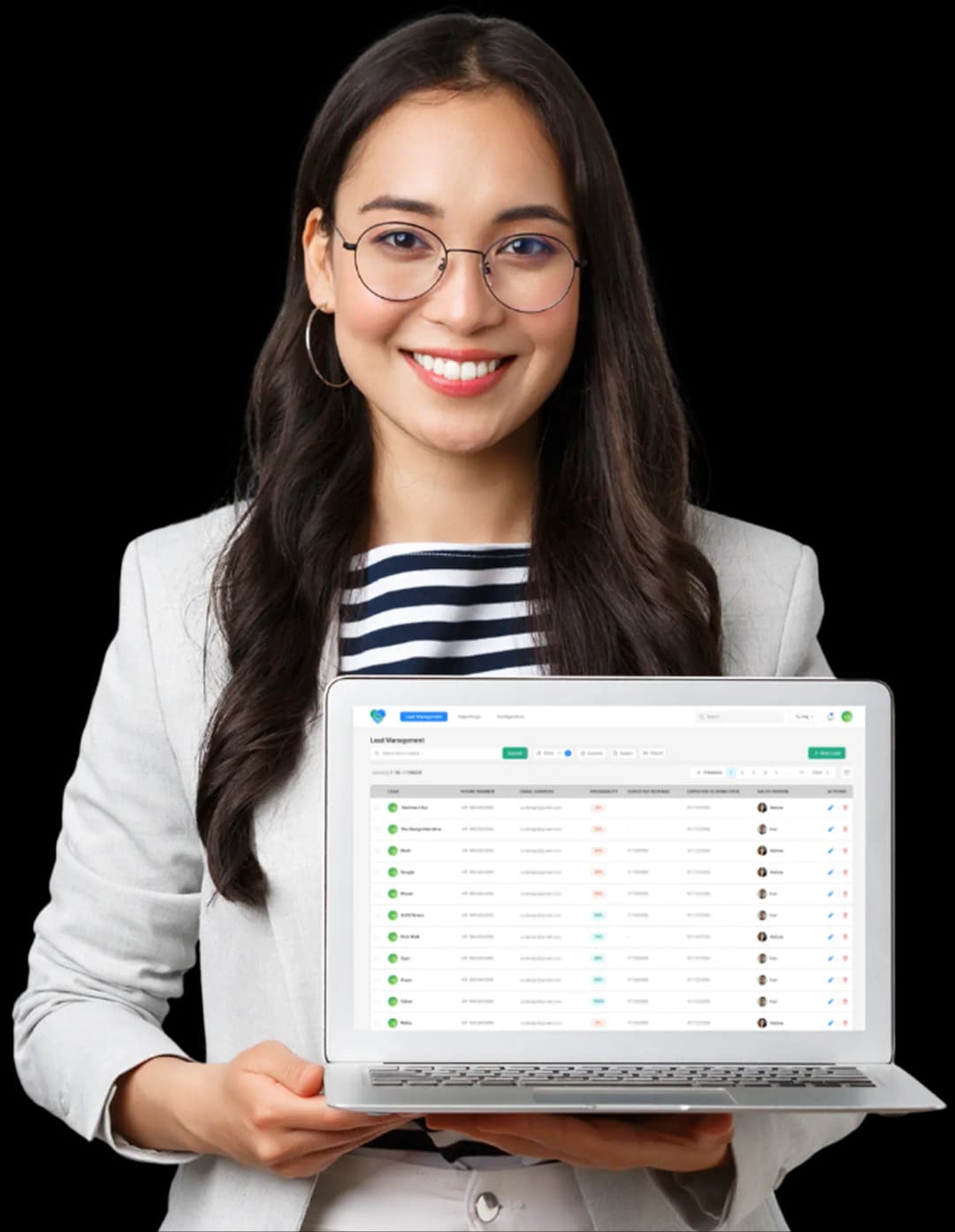
What is CRM?
Customer Relationship Management (CRM) software is a centralized system that helps businesses manage leads, prospects, customers, and sales activities throughout the entire buying journey.
At its core, a CRM allows teams to :
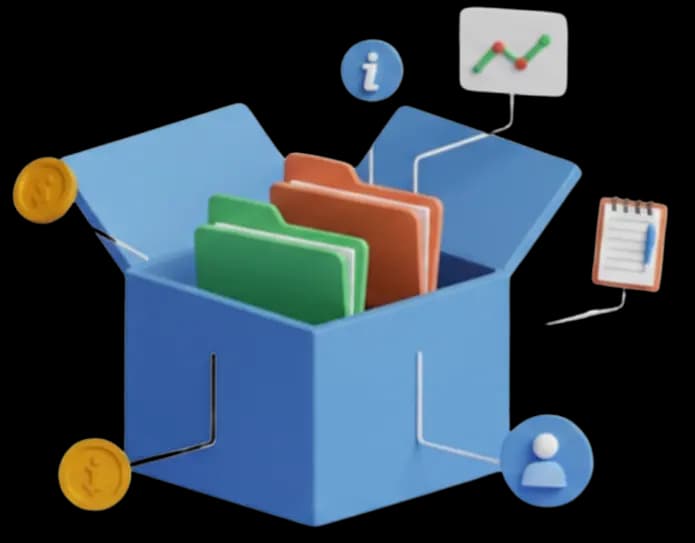
Store and organize customer information
Keep all lead and customer details in one place contact data, source, notes, & history so nothing gets lost and everyone stays aligned.
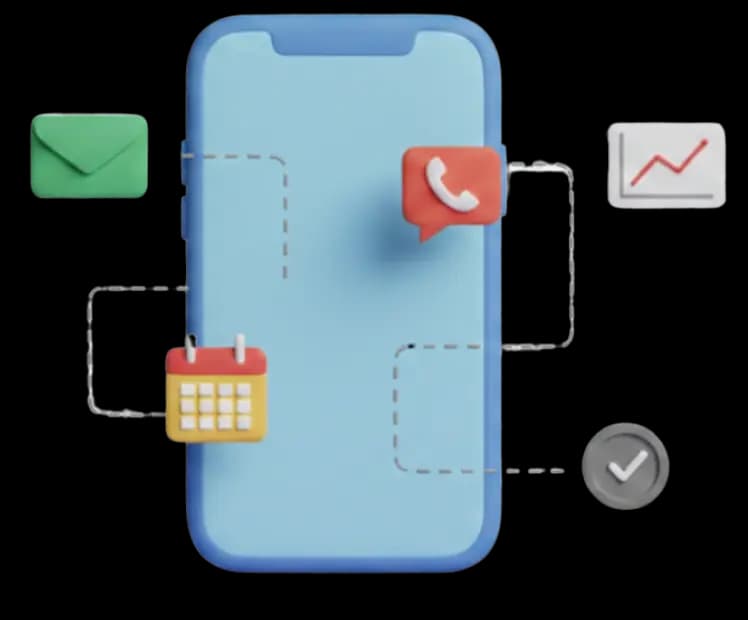
Track every interaction
Automatically log calls, emails, meetings, & follow-ups to get a complete view of every conversation with a lead or customer.
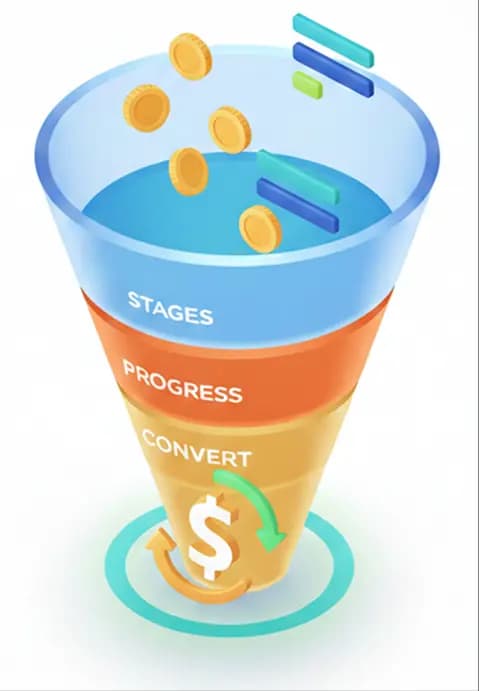
Manage sales pipelines & opportunities
Visualize deals across custom sales stages, track progress in real time, and focus on opportunities most likely to convert.
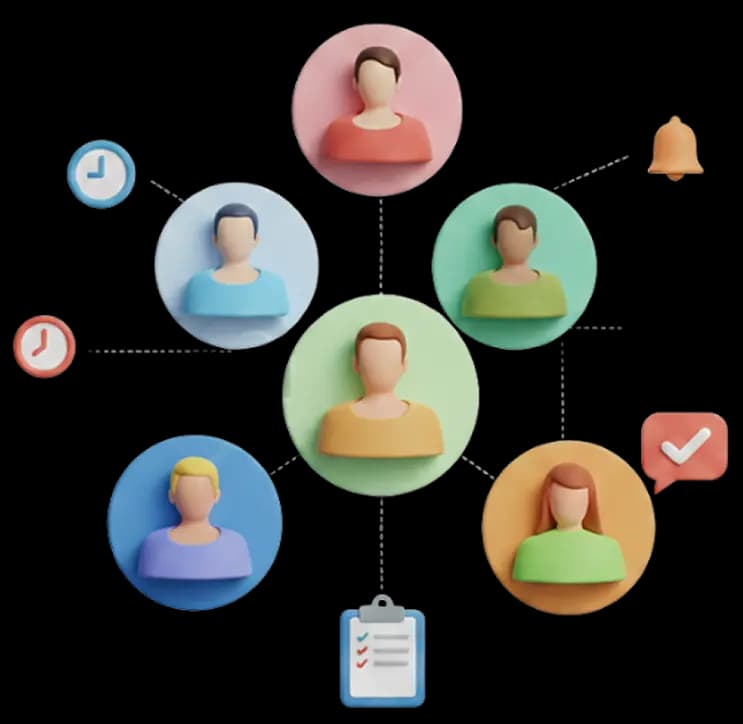
Team Collaboration & Follow-ups
Ensure the right person follows up at the right time with shared visibility, task reminders, and activity timelines.
Why CRM Is Critical for Renewable Energy Businesses?
Solar and renewable energy companies operate very differently from traditional retail or SaaS businesses. Sales cycles are longer, customer touch points are frequent, and multiple teams are involved before a project is completed.
ALDS Green CRM is purpose-built to solve these challenges by aligning sales, marketing, and operations within a single system.
Without a dedicated CRM :
- Leads are scattered across spreadsheets & emails
- Follow-ups are delayed or missed
- Sales performance becomes difficult to measure
- Marketing ROI remains unclear
CRM vs Traditional Lead Management
ALDS Green CRM Module Features
ALDS Green CRM is built to help renewable energy businesses manage leads, follow up faster, close more deals, and stay organized all in one place. You don’t need to be technical. If your business deals with enquiries, sales calls, site visits, and quotations, this system is made for you.

1. Getting New Leads Into One Place
Automatically collect leads
Instead of checking emails, WhatsApp, spreadsheets, and ad dashboards separately, ALDS Green CRM brings all your leads into one system automatically.
Leads can come from:
- Your website
- Social Media platform
- Digital Ads
- Manual uploads
Why this helps:
No enquiry gets missed, and your team doesn’t waste time searching for information.
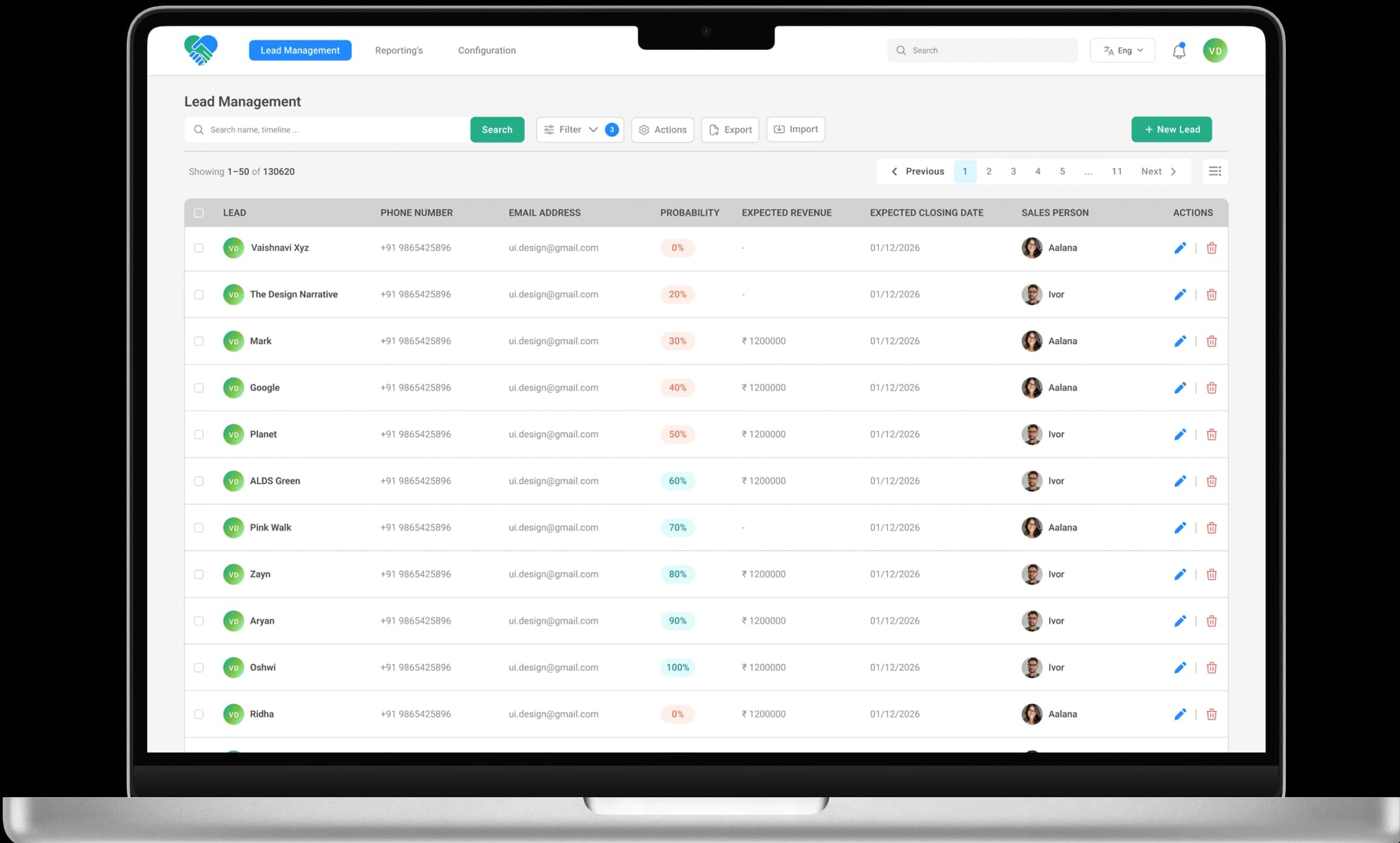
Connect leads from ads automatically
If you run ads on:
ALDS Green CRM can directly receive those leads without downloading files or copying data.
Result:
Faster follow-ups and better use of your ad budget.
Capture enquiries from your Website
Whenever someone fills out a form on your website or demo page, the lead is instantly saved in CRM.
What this means for your business:
You can contact interested customers faster.
Upload existing leads in bulk
If you already have leads stored in Excel or Google Sheets, you can upload them all at once.
Useful when:
- Moving from manual records to a proper system
- Switching from another CRM
2. Better Lead Information (So Sales Teams Know Whom to Call)
Auto-Fill lead details
The system helps complete missing details like company name, source, or campaign info wherever possible.
Why this matters:
Your sales team talks to customers with full context, not incomplete information.
Know which leads are serious
Not every enquiry is ready to buy. ALDS Green CRM automatically ranks leads based on interest and activity.
This helps your team:
- Focus on serious buyers first
- Save time on low-quality enquiries
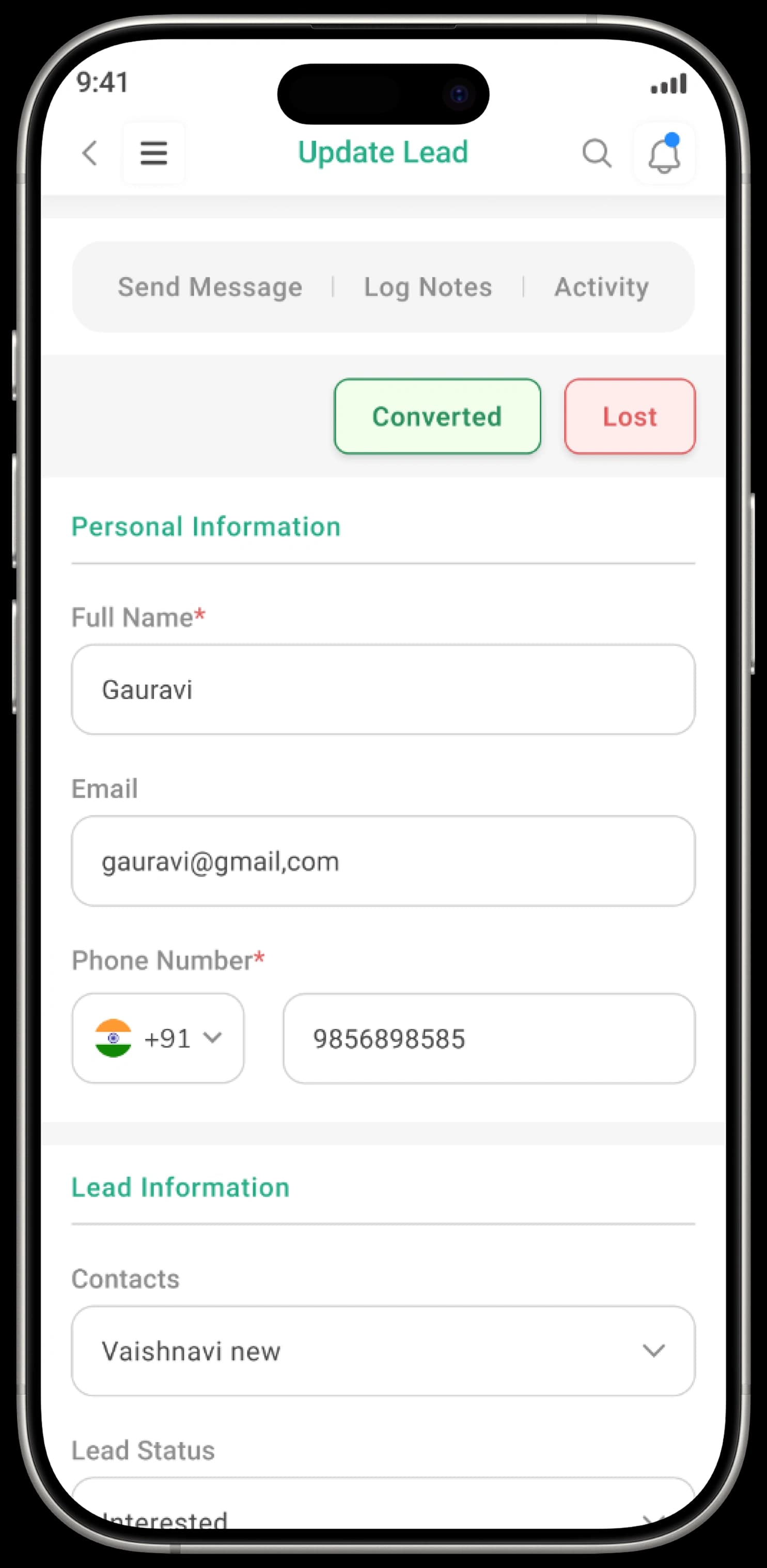
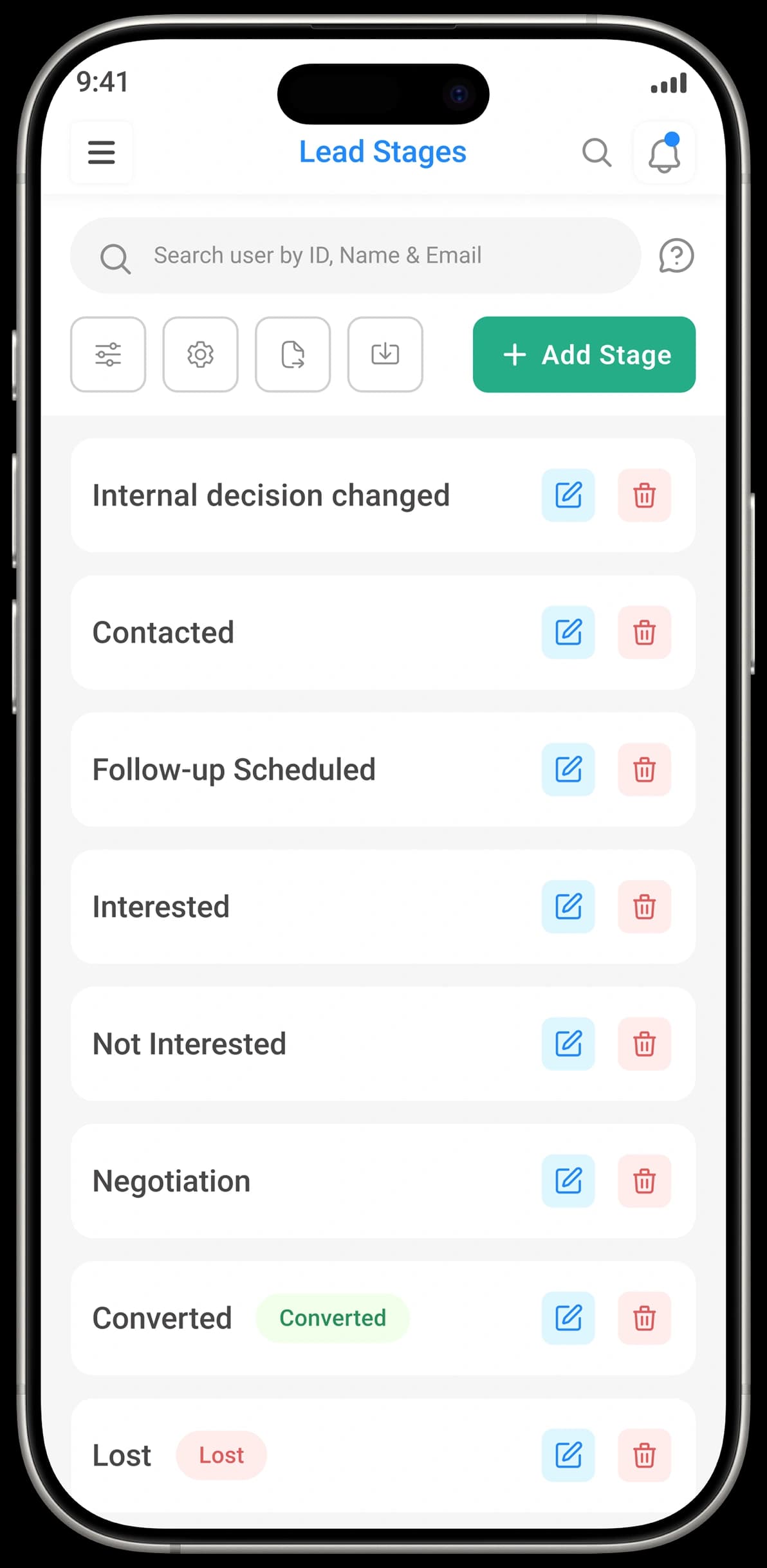
Create Your Own Sales Process
Every business sells differently. You can create sales stages as per your business needs
Sales stages like:
- New Enquiry
- Site Visit Done
- Quotation Sent
- Follow-up Required
- Deal Closed
- Interested
- Not Interested
- In Negotiation
- Converted
- Lost
- Contacted
This gives you:
A clear picture of where every customer stands.
3. Never Miss Follow-Ups Again
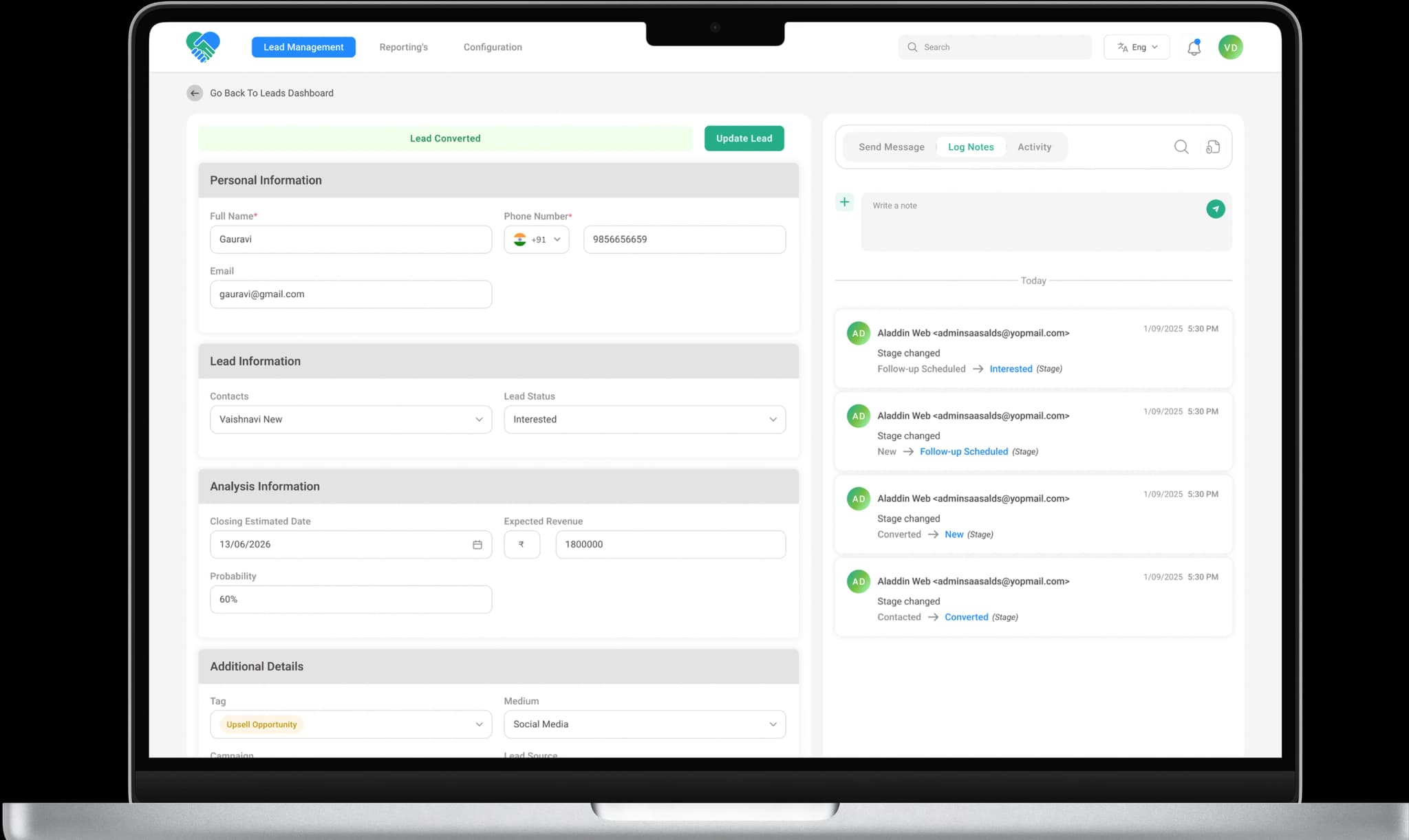
Complete Customer History in One View
For every lead or customer, you can see:
- Calls made
- Meetings scheduled
- Notes added
- Follow-ups pending
- Document Hub
Why this is important:
Anyone in your team can continue the conversation without starting from zero.
Plan Calls, Meetings & Reminders
For every lead or customer, you can see:
- Calls made
- Meetings scheduled
- Notes added
- Follow-ups pending
Results:
More timely calls → higher chances of closing deals.
4. Control & Track Lead
Know Which Deals Are Likely to Convert
ALDS Green CRM analyzes past data to highlight:
- Deals likely to close
- Deals that need attention
This helps owners and managers:
Take action early instead of reacting too late.
Control Who Can See What
Decide who in your team can:
- View data
- Edit leads
- See reports
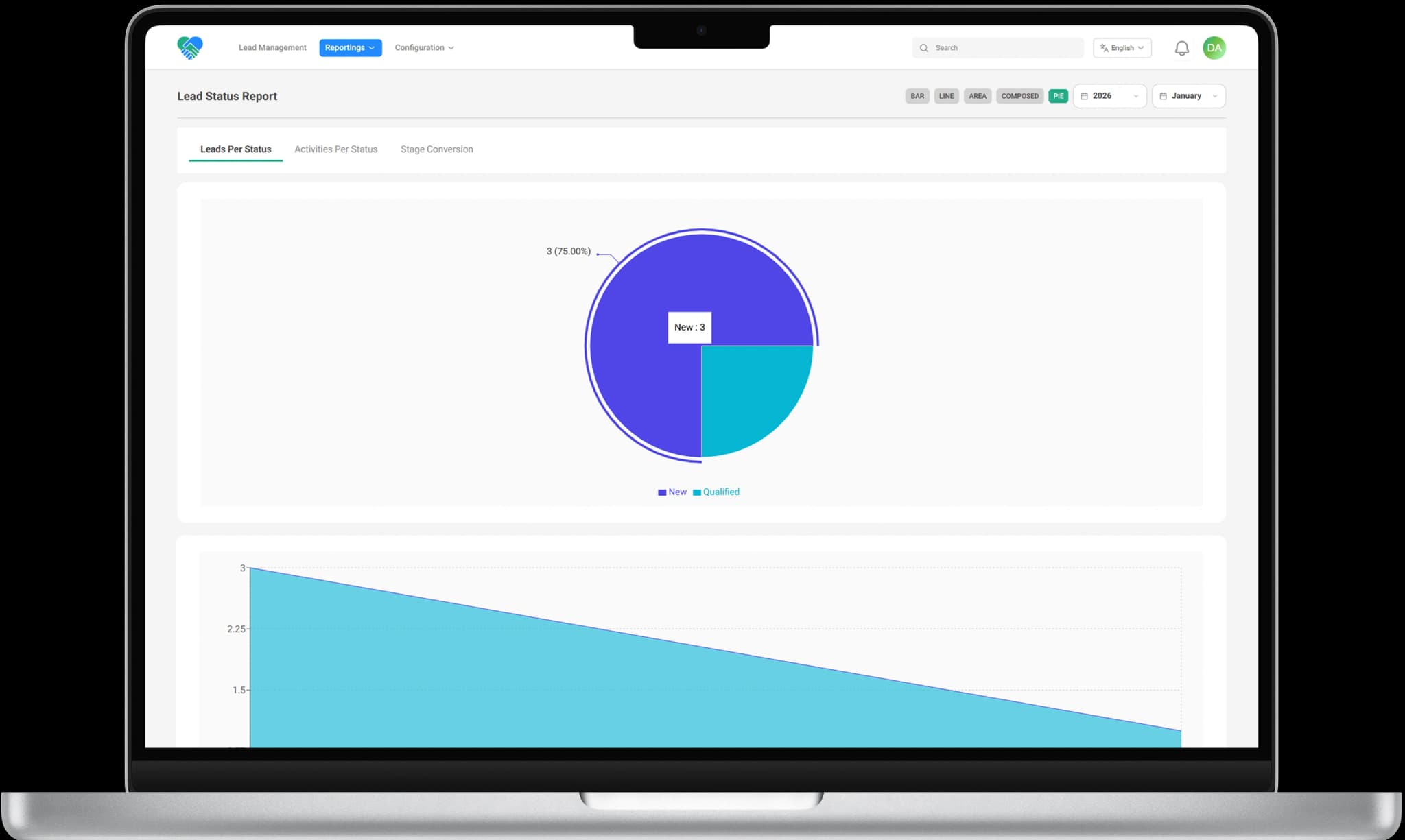
5. Clear Reports for Owners & Managers
Simple Sales & Lead Reports
View reports that show:
- How many leads you got
- Where they came from
- How many converted to sales
Perfect for:
Business owners who want clarity, not complex charts.
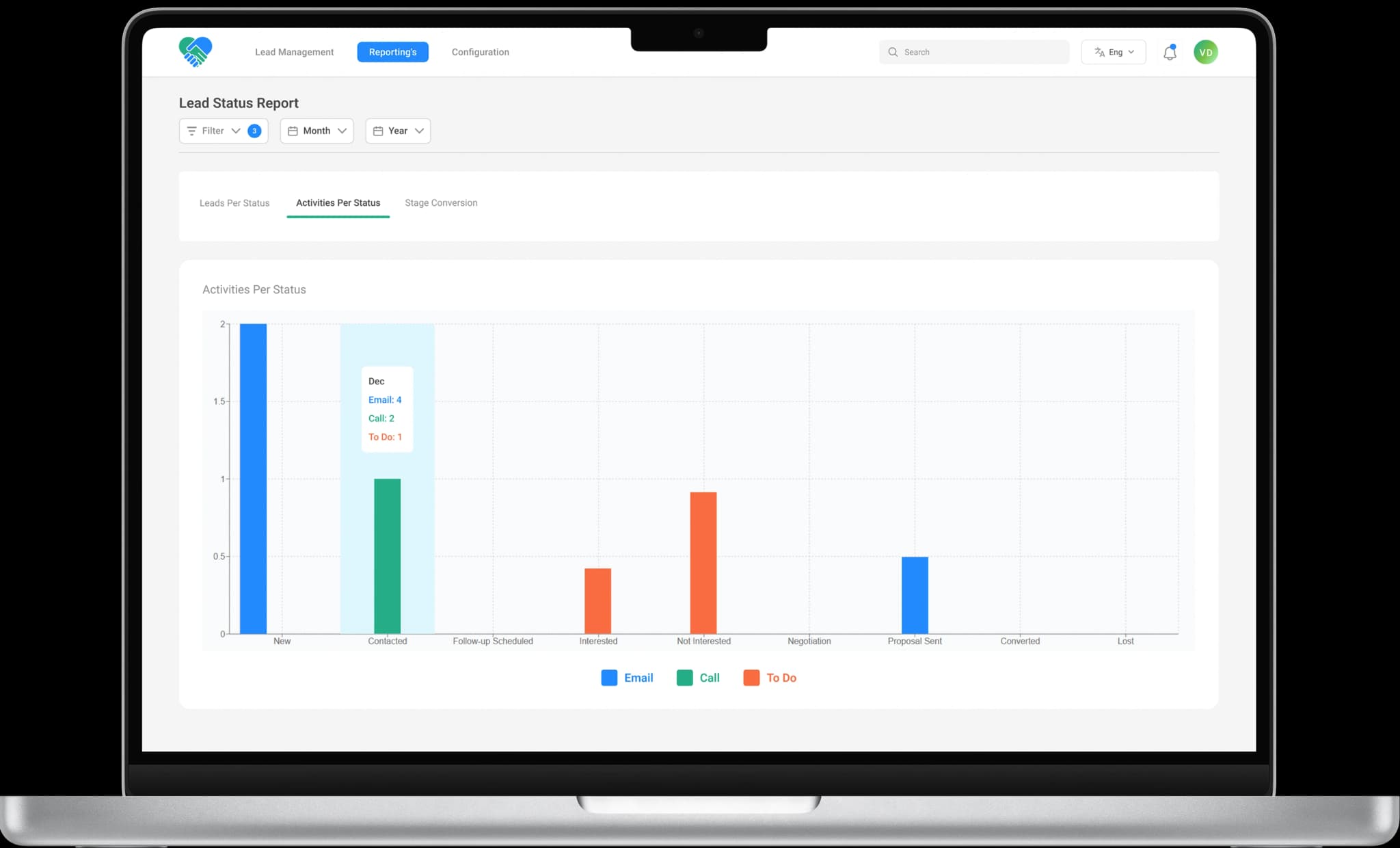
Track Marketing Performance
See which campaigns are working and which are not:
- Source
- Medium
- Stages
Helps you:
Spend money where results actually come from.

How ALDS Green CRMModule Can Help YourBusiness?

Gain Full Sales Visibility
With a clear sales pipeline and unified activity timeline, managers always know:
- Which deals are active
- Which leads need attention
- Where bottlenecks occur
Improve Lead Conversion Rates
By prioritizing high-intent leads and enabling faster follow-ups, sales teams can significantly improve lead-to-deal conversion rates.
Increase Sales Team Productivity Automation eliminates repetitive tasks like manual lead assignment, follow-up reminders, and data entry — allowing sales reps to focus on closing deals.
Align Marketing & Sales
Track how marketing campaigns contribute to actual revenue — not just lead volume.
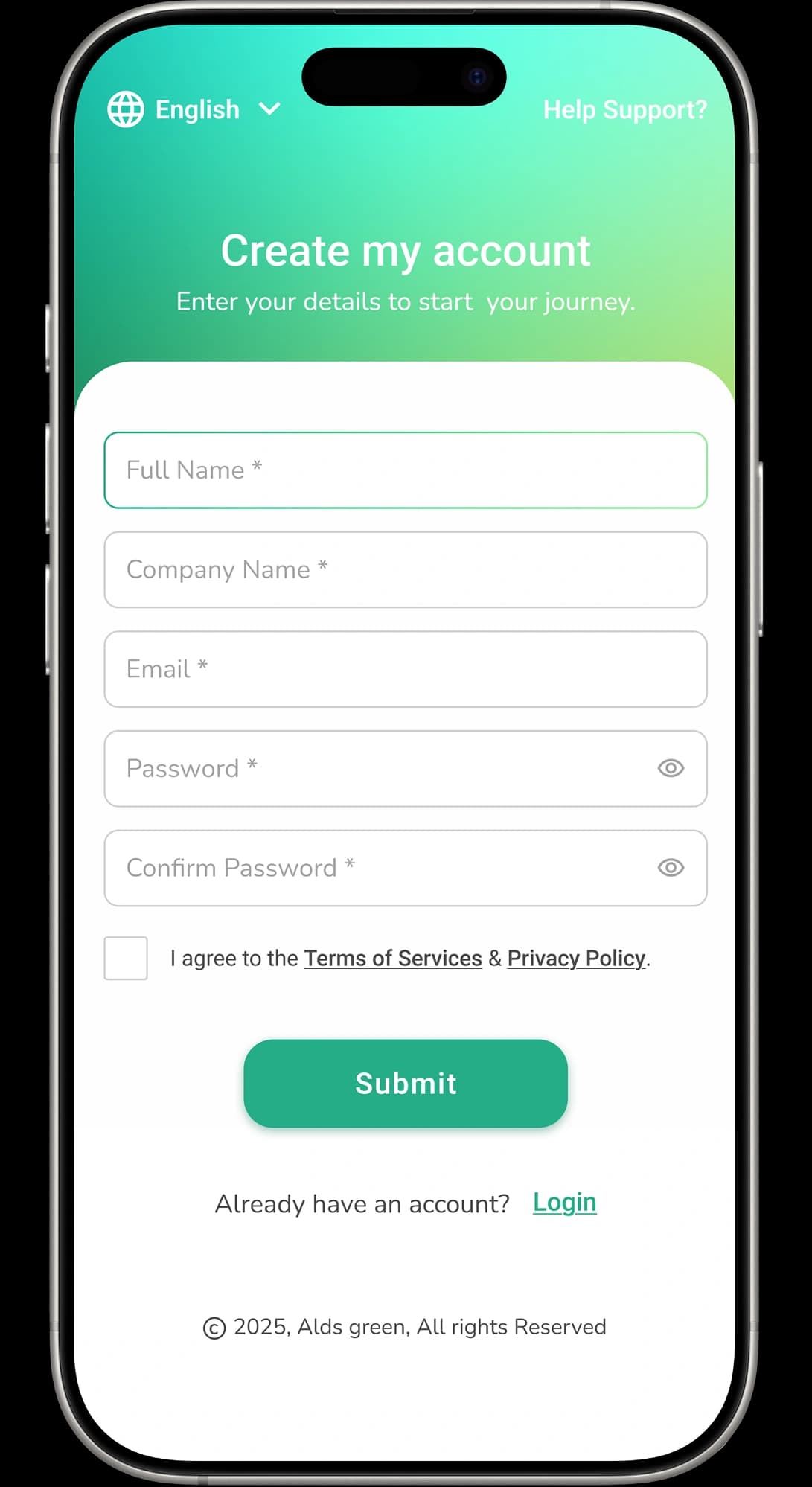
Getting Started with ALDS Green CRM
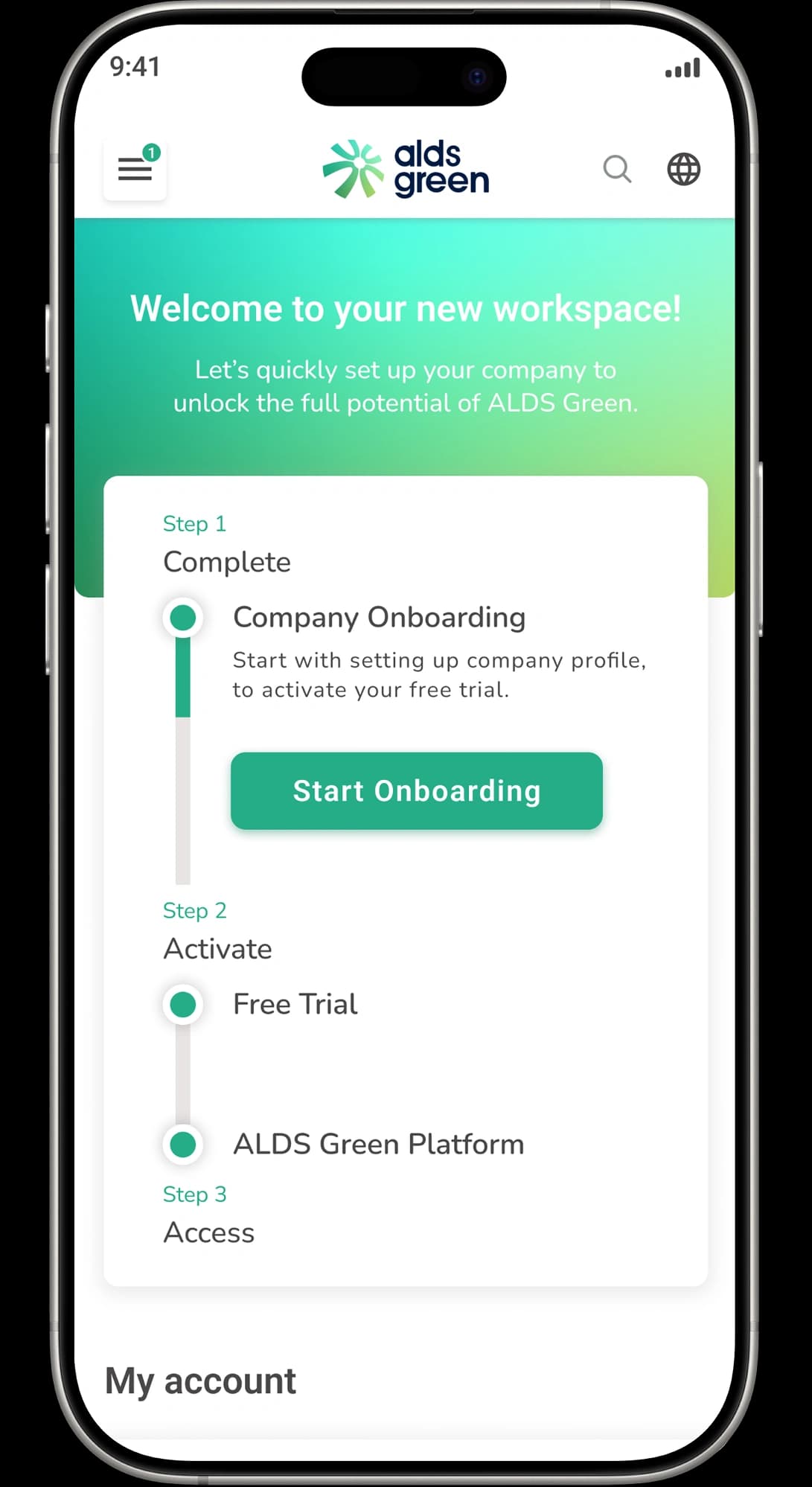
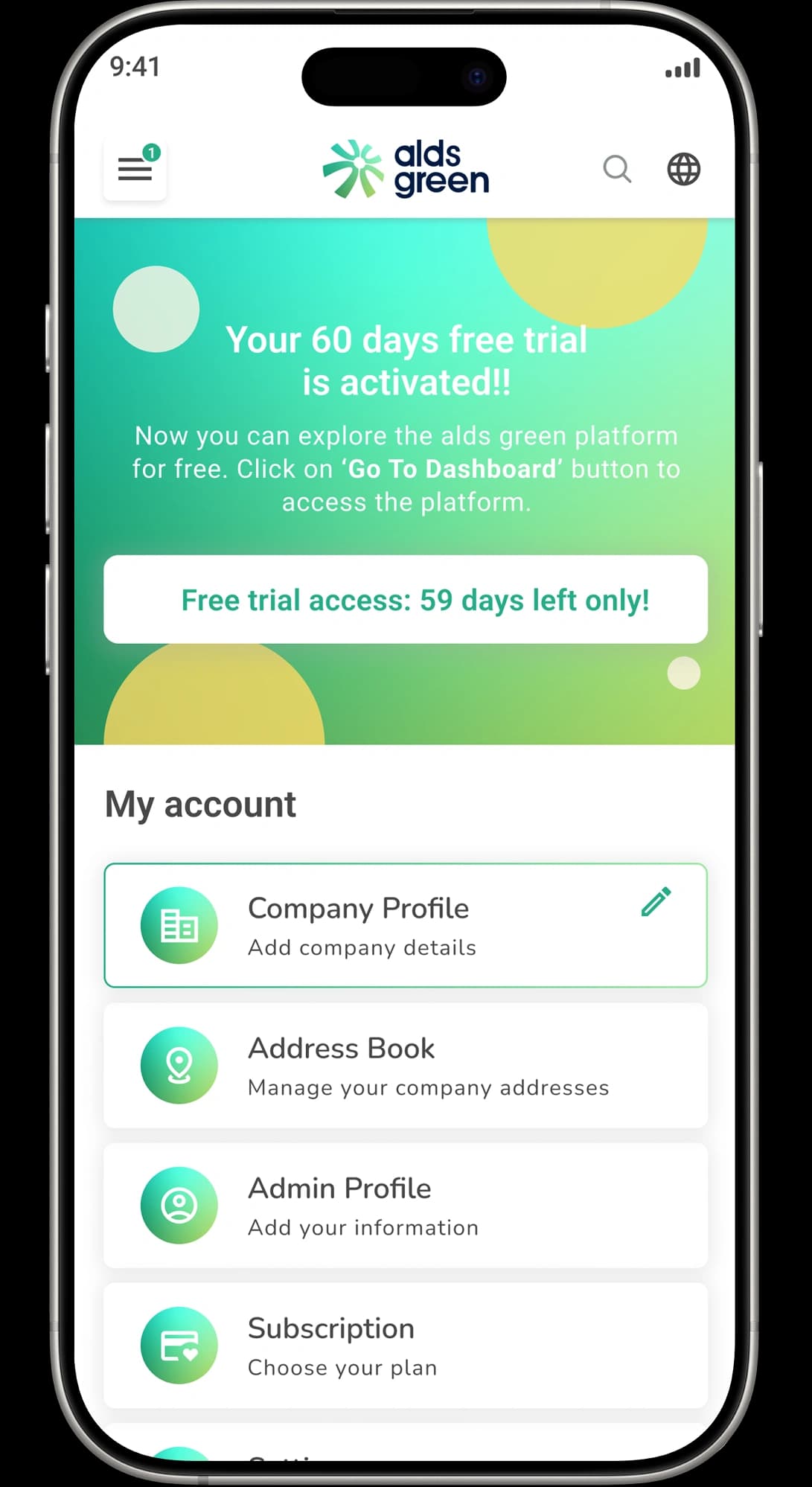
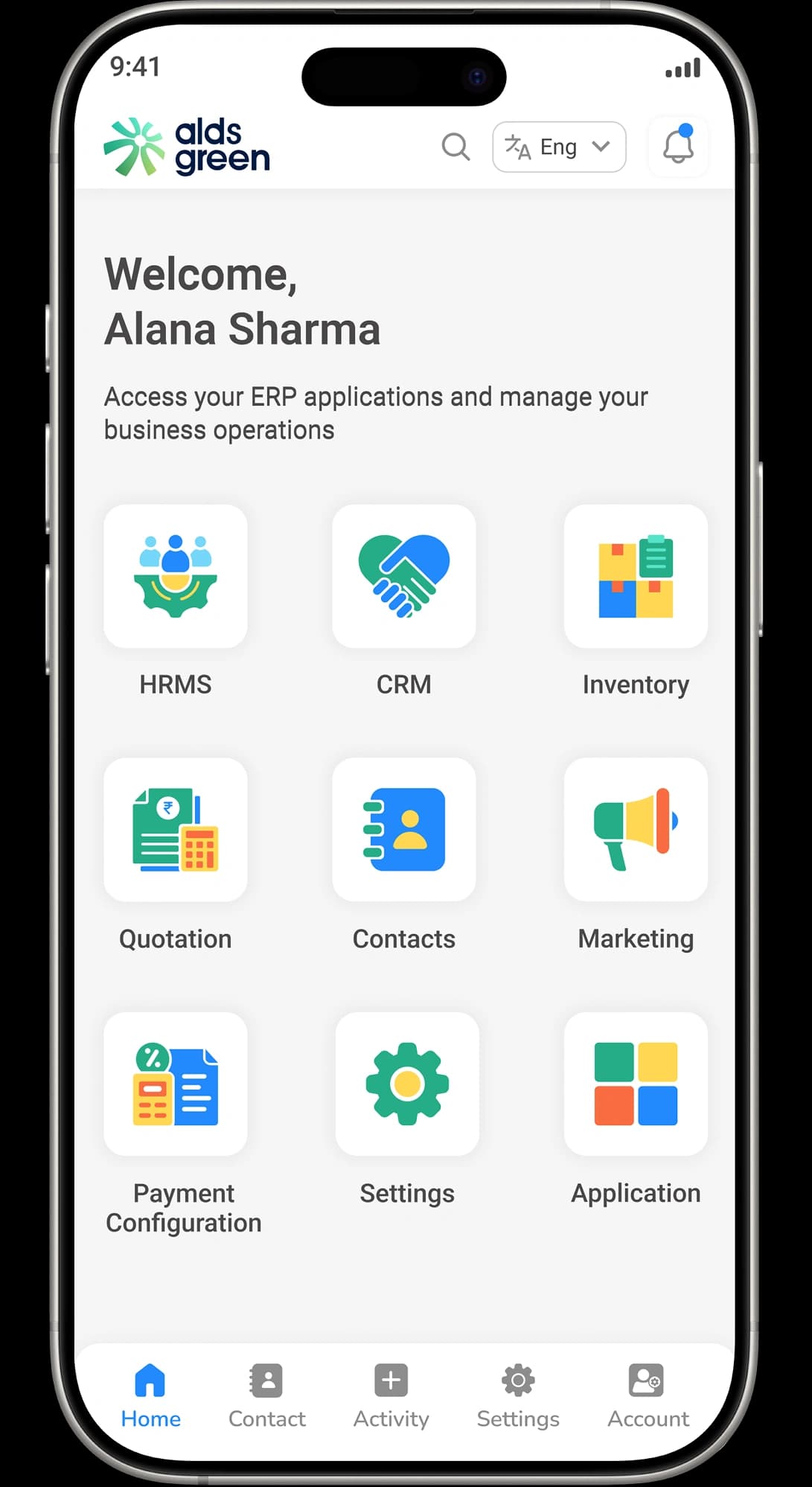
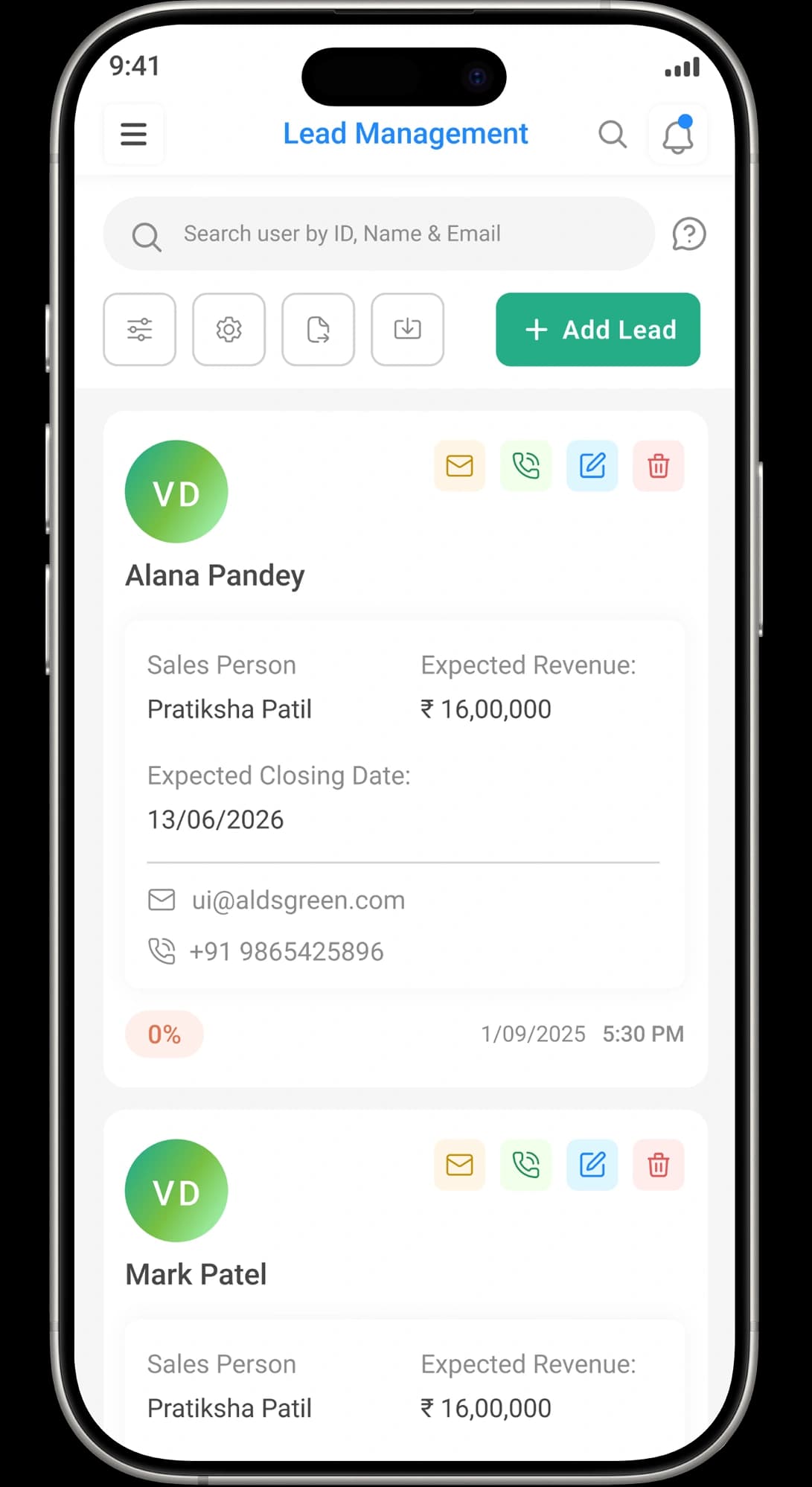
Simple Onboarding, Fast Setup

CRM Module Terminologies Explained
Lead
Prospect
Sales Pipeline
Lead Scoring
Inbound Lead
Lost Reason
Sales Forecast
CRM Dashboard
CRM Analytics
Resources

Guide: How to Add a New Lead
Learn how to quickly create a new lead in ALDS Green CRM and capture details efficiently.

Anjali Meena
Alds green CRM Developer

Guide: Managing Lead Status
See how to update and manage lead statuses to track progress from inquiry to closure.
Anjali Meena
Alds green CRM Developer

Guide: Assigning Leads to Sales Team
Discover how to assign leads to specific sales representatives for better performance.
Anjali Meena
Alds green CRM Developer
Frequently Asked Questions


Transform the Way You Manage Your Business
Manage leads, sales, inventory, and projects — all in one place.