
Manage employees, attendance, payroll inputs, roles, and performance all in one centralized system designed for growing renewable energy businesses.



HRMS MODULE
What is HRMS Management?
HRMS (Human Resource Management System) is software that helps businesses manage their workforce digitally. Instead of tracking attendance in registers, managing payroll manually, or handling employee records in scattered files, HRMS centralizes everything in one structured platform.
It Includes :
Employee records
Attendance & leaves
Roles & permissions
Payroll inputs

Team performance
Department structure
With HRMS, your HR operations become organized, transparent, and scalable.
How ALDS Green HRMS Module Works?

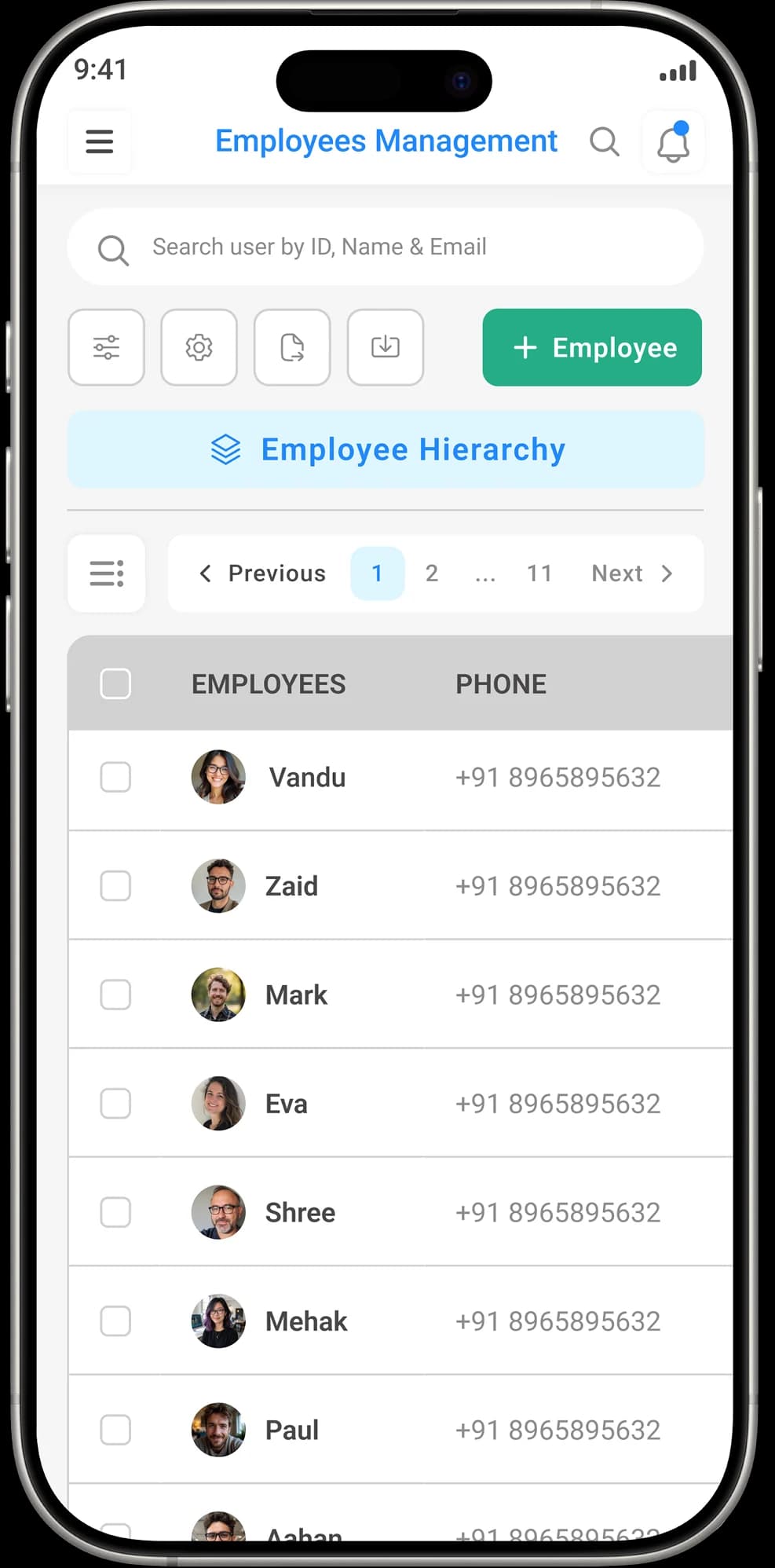
- Create employee profiles, assign departments, and define reporting structure.
- Monitor daily attendance, configure shifts, and manage leave requests digitally.
- Automatically calculate payroll-ready data based on attendance, overtime, and adjustments.
- Get real-time workforce visibility with attendance, leave, and department-level reports.
ALDS Green HRMS Module Features
Manage employees, attendance, roles, and payroll inputs in one connected system designed to keep your workforce structured and scalable.

1. Employee Management & Organization
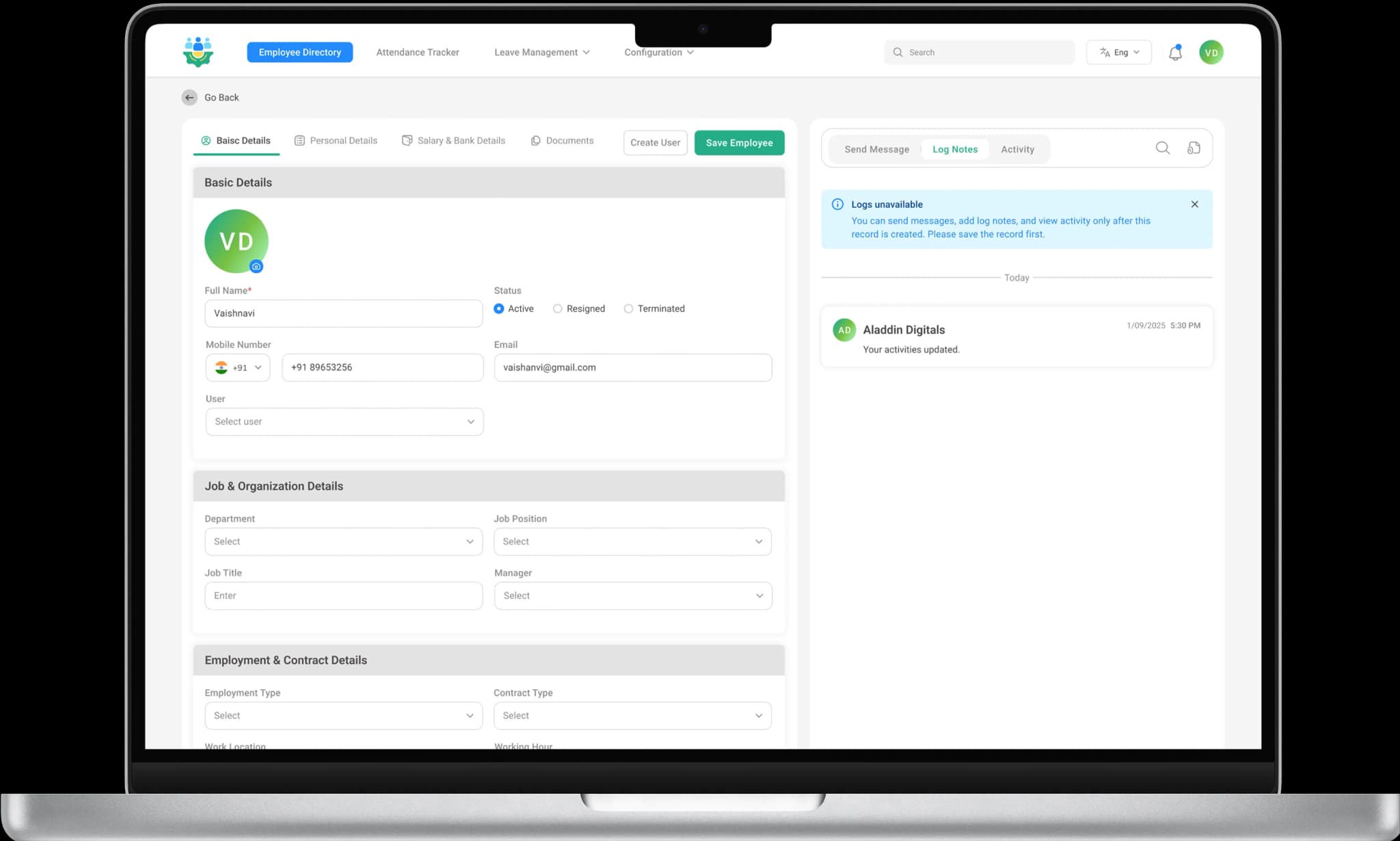
Centralized Employee Management System
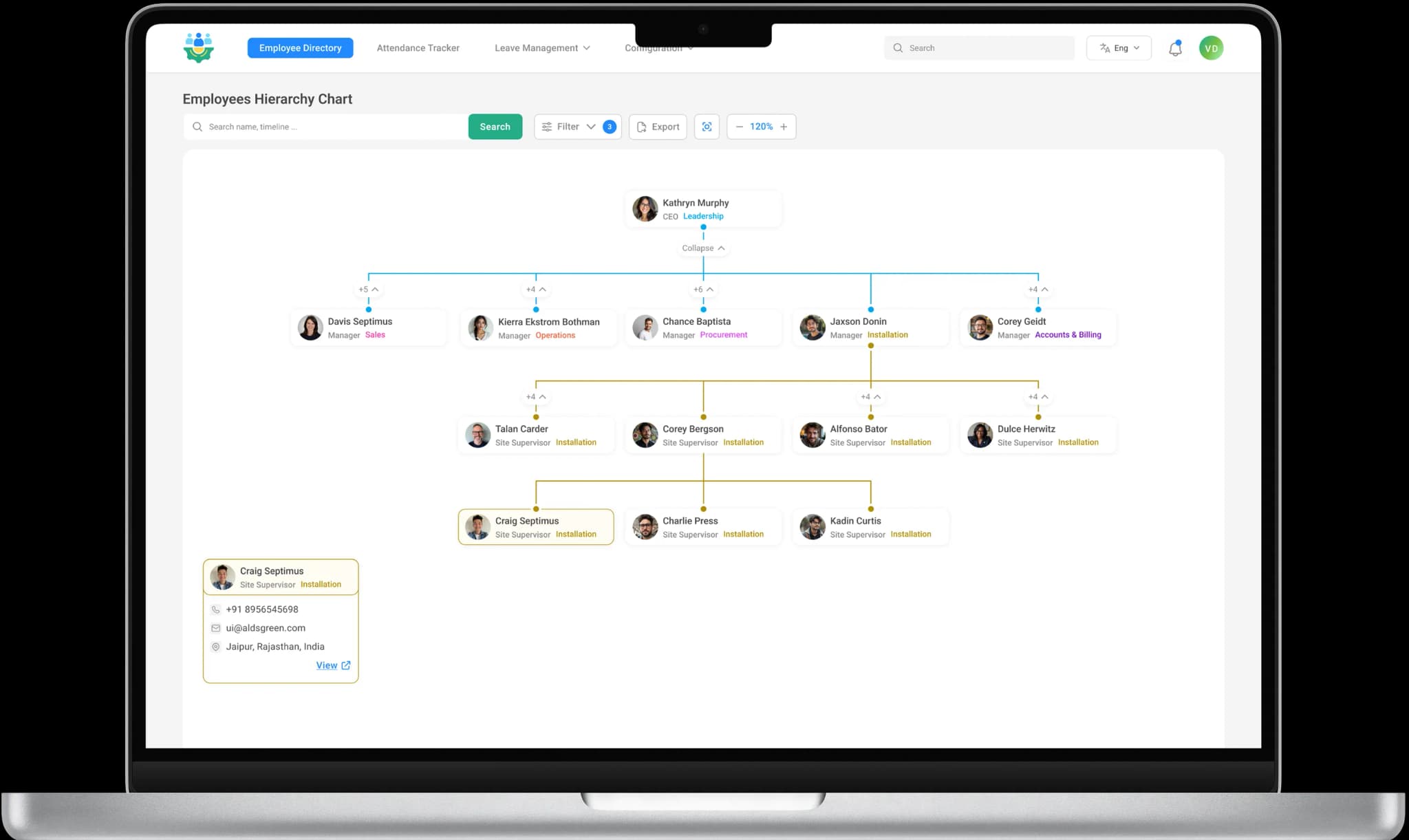
Maintain complete employee records including personal details, job roles, departments, reporting managers, and employment status inside one secure HR management system.
Employee Document Management
Securely store contracts, ID proofs, compliance files, and HR documents.
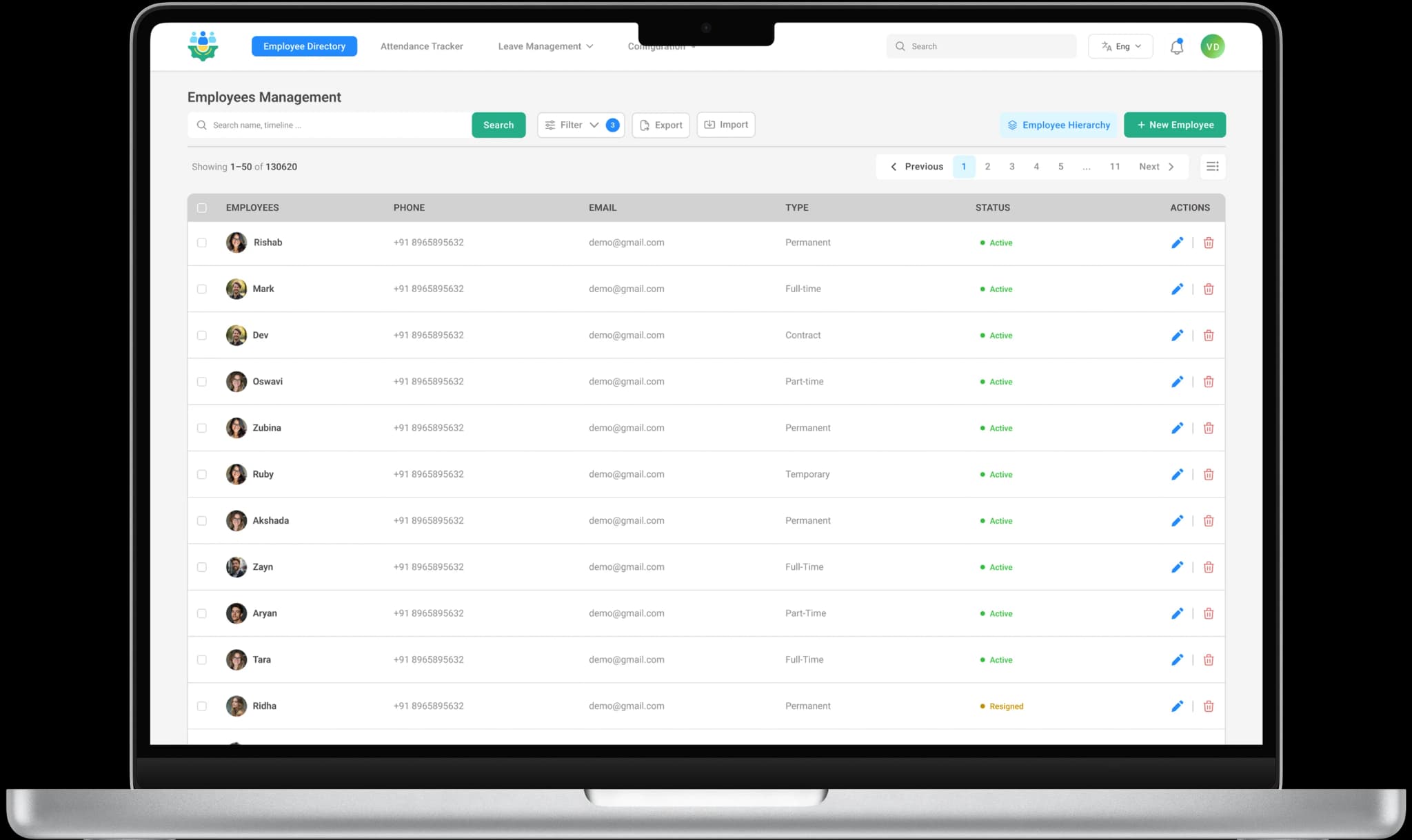
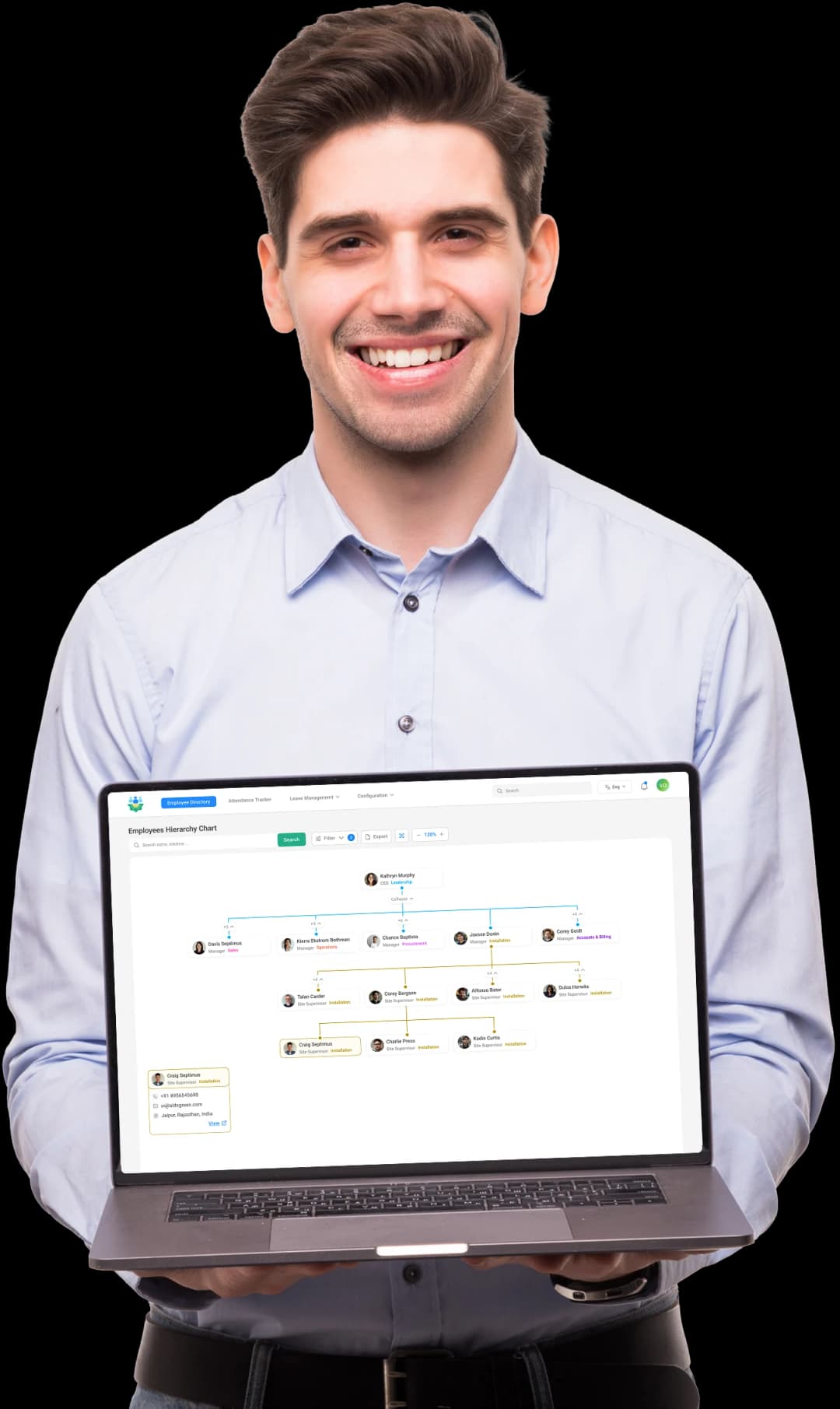
Department & Organizational Hierarchy Setup
Structure your company with defined departments, reporting relationships, and clear workforce hierarchy to improve internal coordination
Employee Lifecycle Tracking
Track employee stages from onboarding to exit management.
2. Attendance & Shift Management Software
Attendance & Shift Management Software
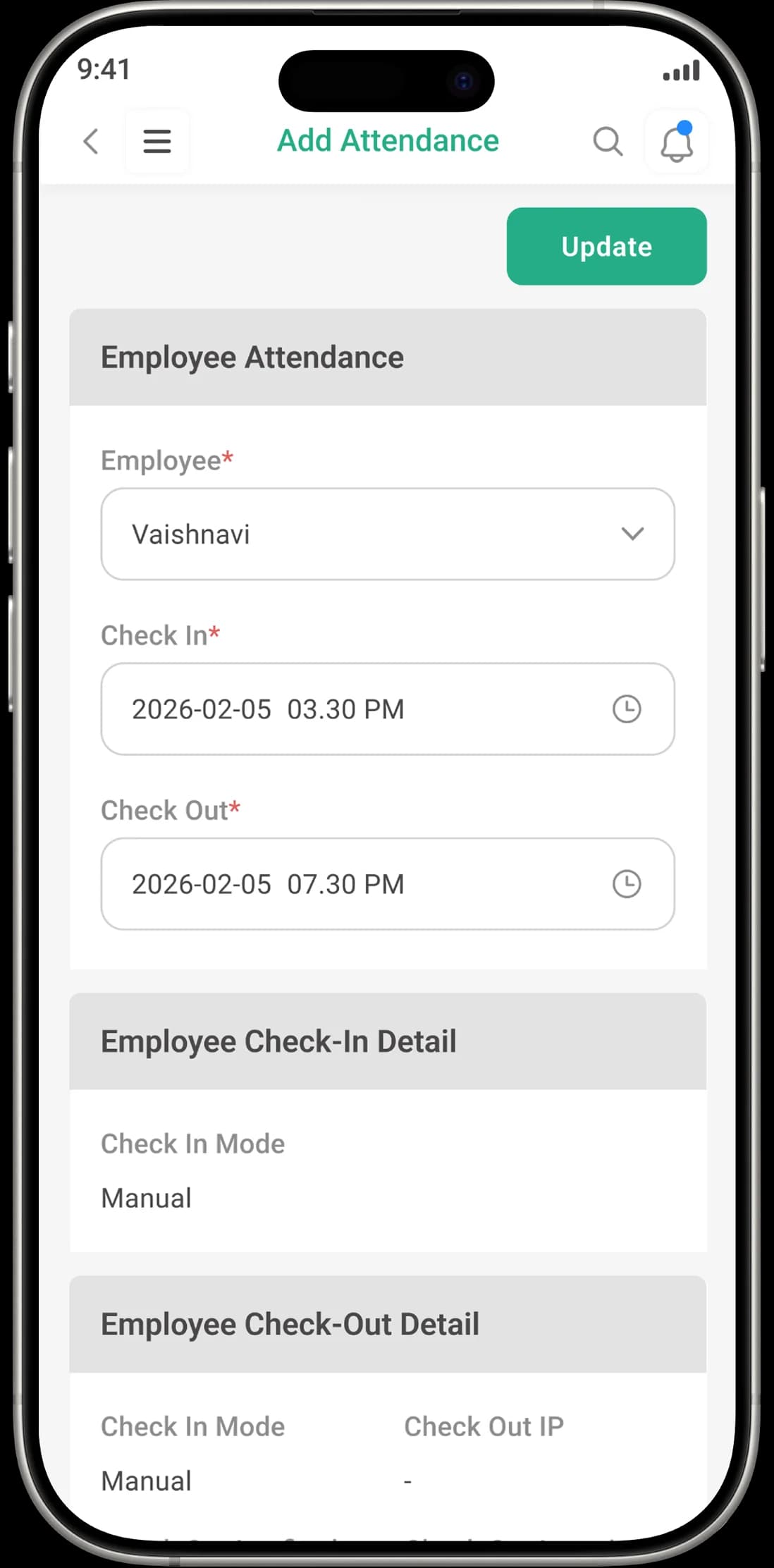
Track employee check-in and check-out records with real-time visibility using structured attendance management software.
Attendance Reports & Summaries
Generate monthly and department-wise attendance reports.
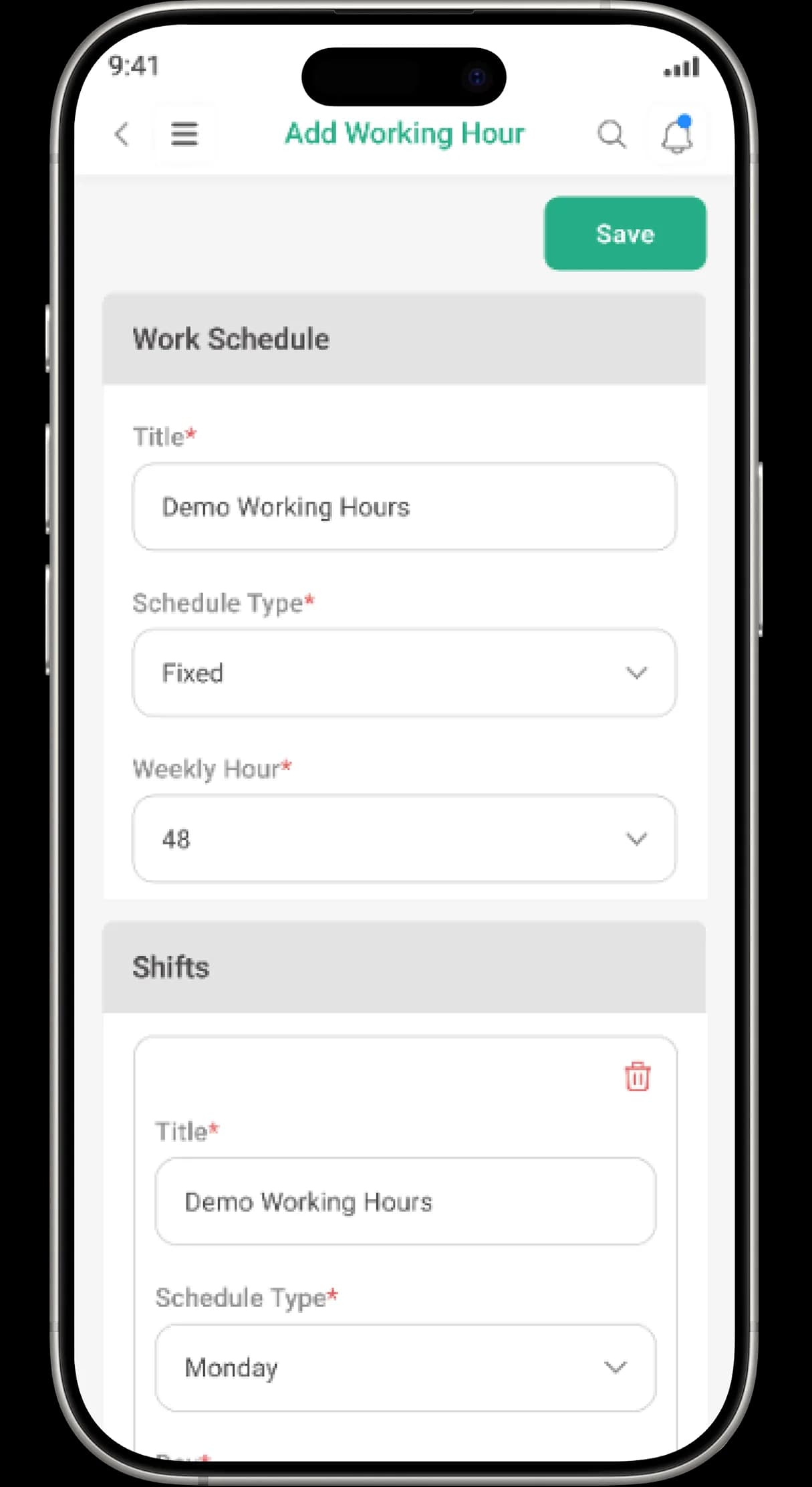
Shift & Work Schedule Configuration
Configure multiple work shifts, weekly schedules, and department-specific working hours.
Late & Absence Monitoring
Identify attendance gaps and irregularities instantly.
3. Leave Management System
Leave Policy Configuration
Create and manage multiple leave types such as casual leave, sick leave, and paid leave within your HRMS system.
Leave Balance Tracking
Automatically calculate and update employee leave balances.
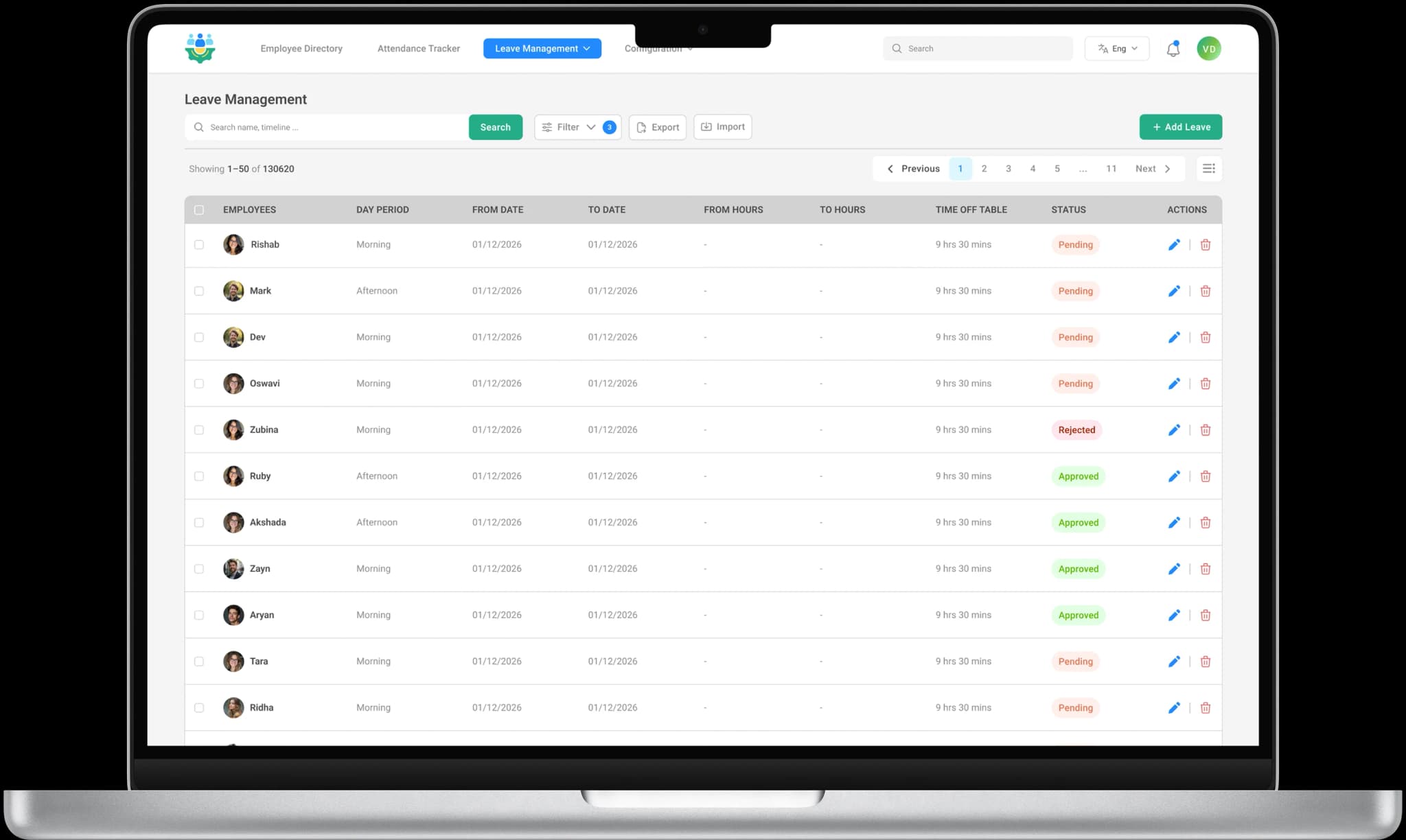
Automated Leave Approval Workflow
Streamline leave requests and manager approvals with structured workflows.
Leave History & Audit Logs
Maintain complete leave records for compliance and transparency.
4. HR Reports & Workforce Analytics
Workforce Management Dashboard
Get real-time visibility into employee attendance, leave data, department distribution, and HR metrics.
Attendance & Leave Analytics
Analyze trends and identify workforce patterns.
HR Reporting & Insights
Generate detailed HR reports for workforce planning and performance monitoring.
Headcount & Department Reports
Track employee distribution across departments.
5. Role-Based Access & Employee Self-Service
Secure Role-Based Access Control
Assign permissions based on HR Admin, Manager, or Employee roles to maintain data security.
Secure Login & Authentication
Ensure protected access to workforce data.
Employee Self-Service Portal
Allow employees to apply for leave, check attendance, and access personal information independently.
Activity Logs & System Tracking
Maintain transparency across user actions.

How ALDS GreenHRMS Module Can HelpYour Business?
Clear employee hierarchy and reporting structure
Accurate attendance tracking
Reduced administrative workload
Better workforce visibility
Structured salary & bank details inputs
Getting Started with ALDS Green HRMS Module
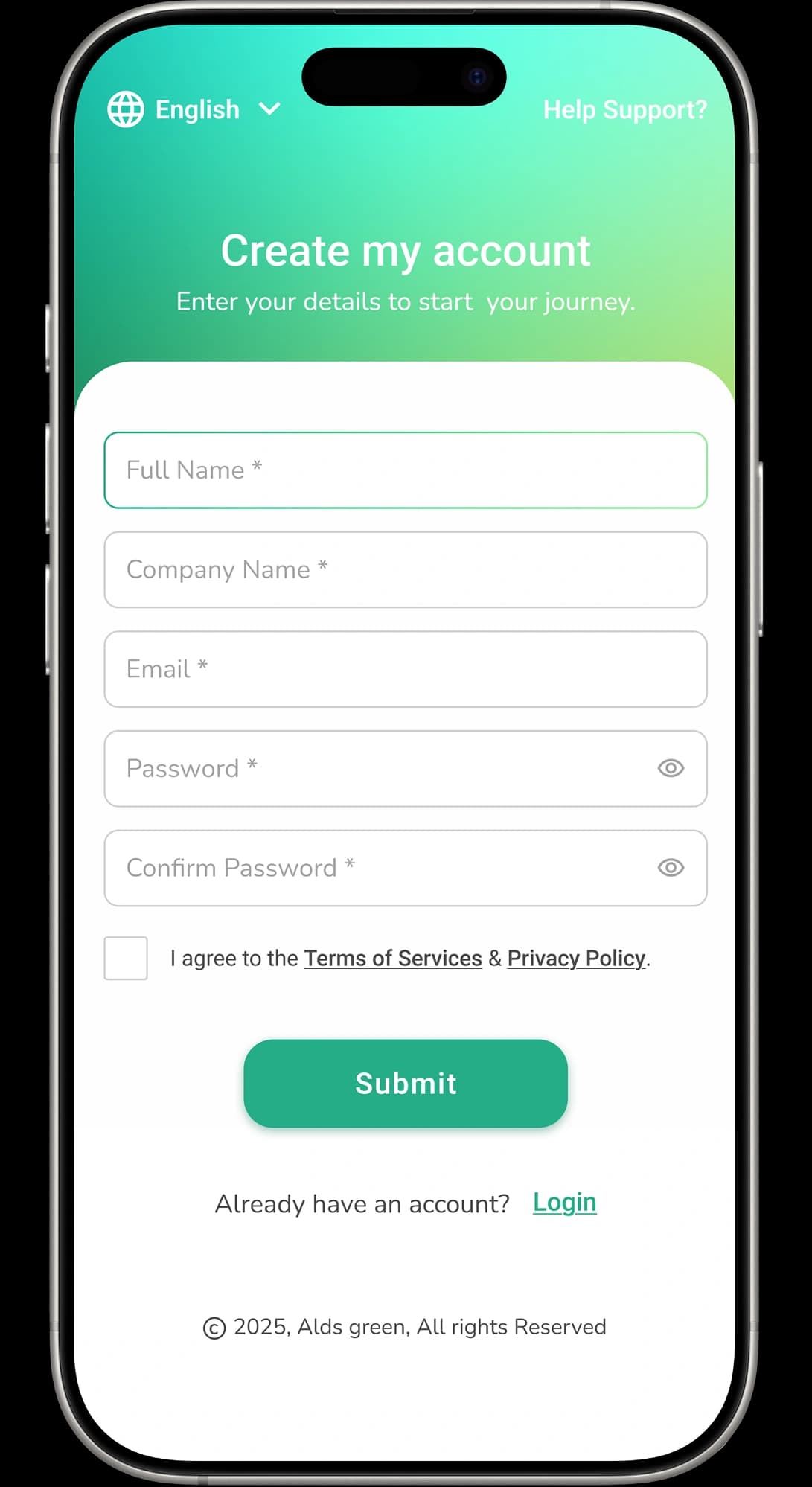
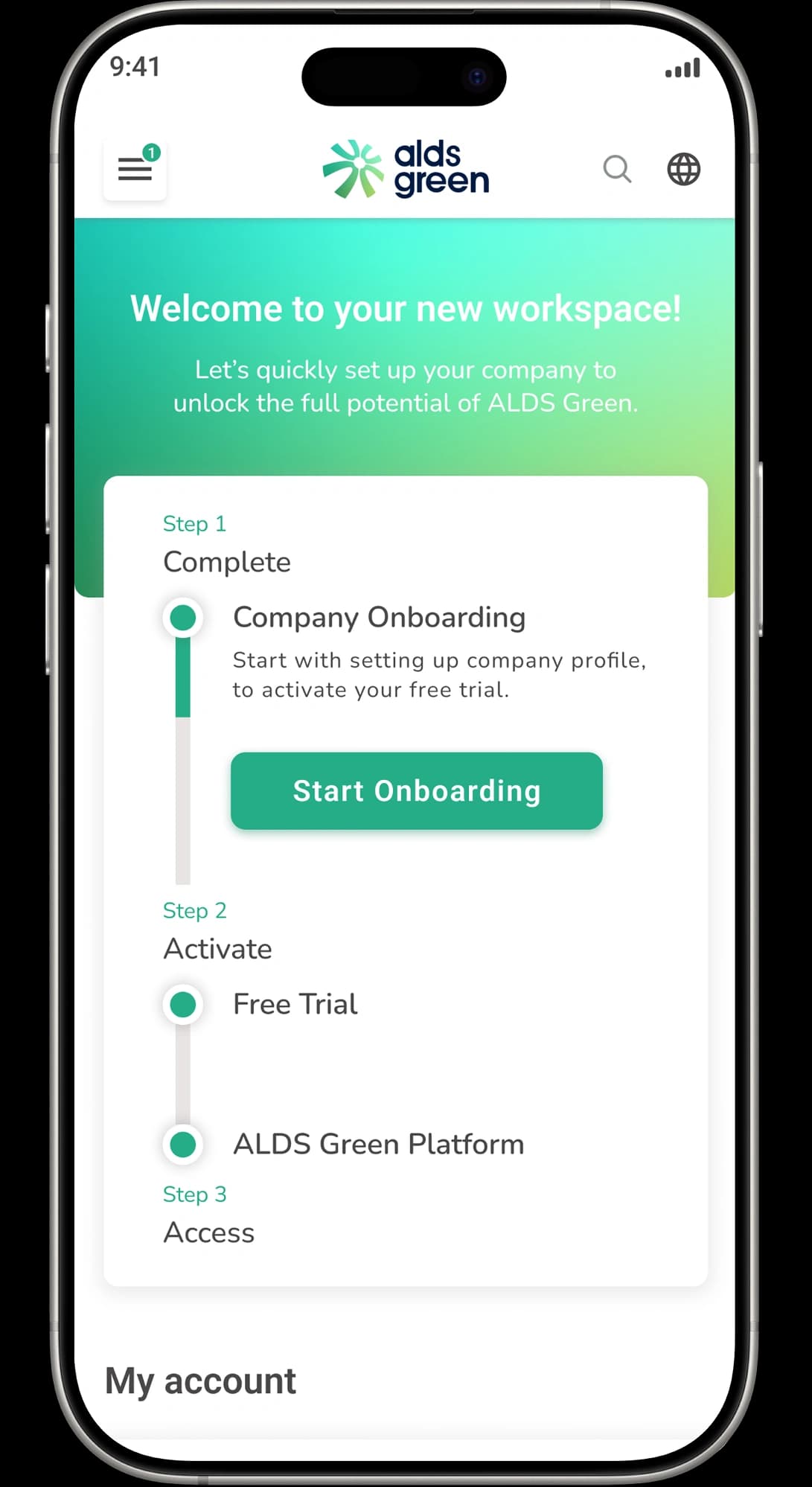
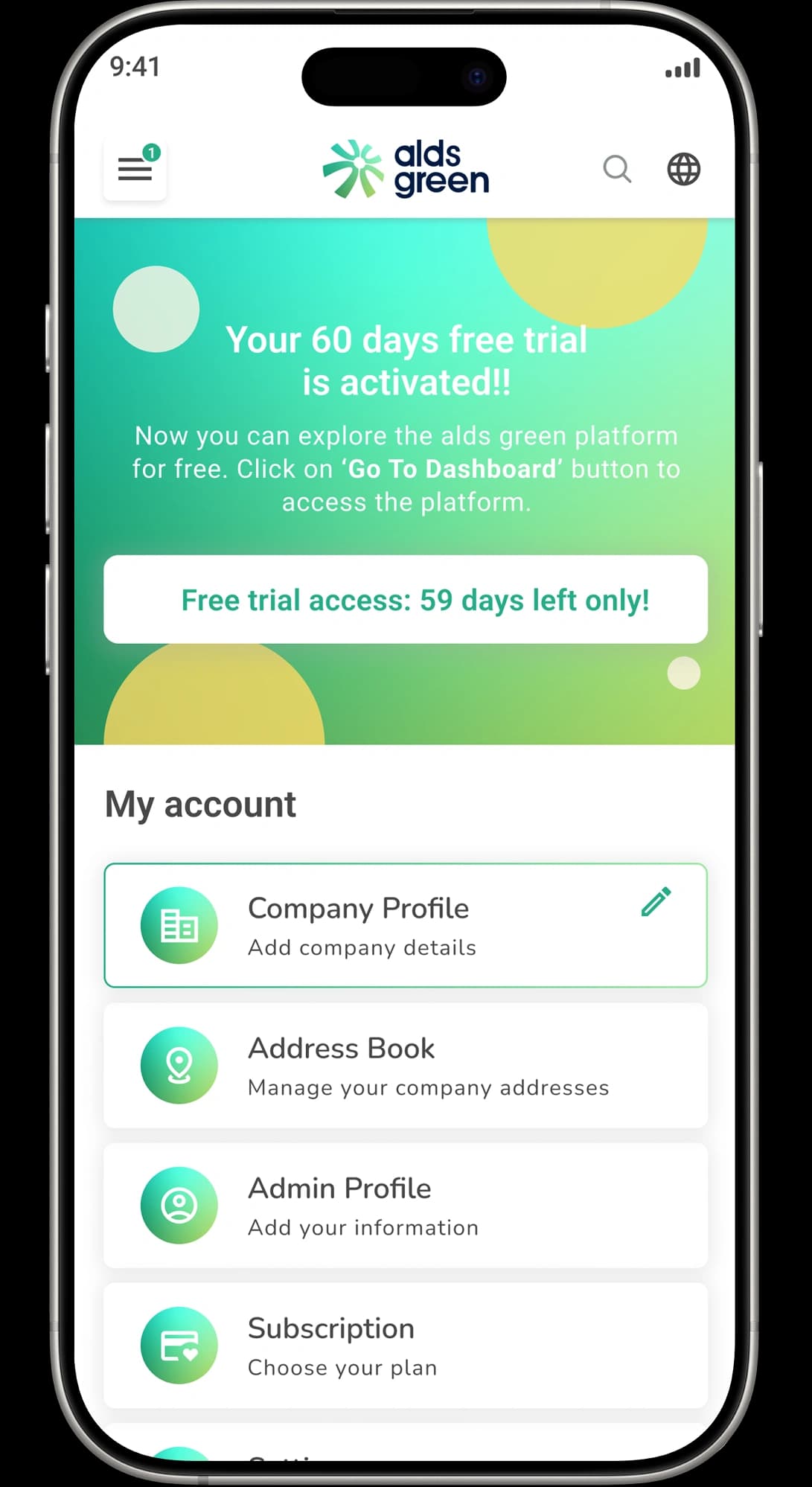
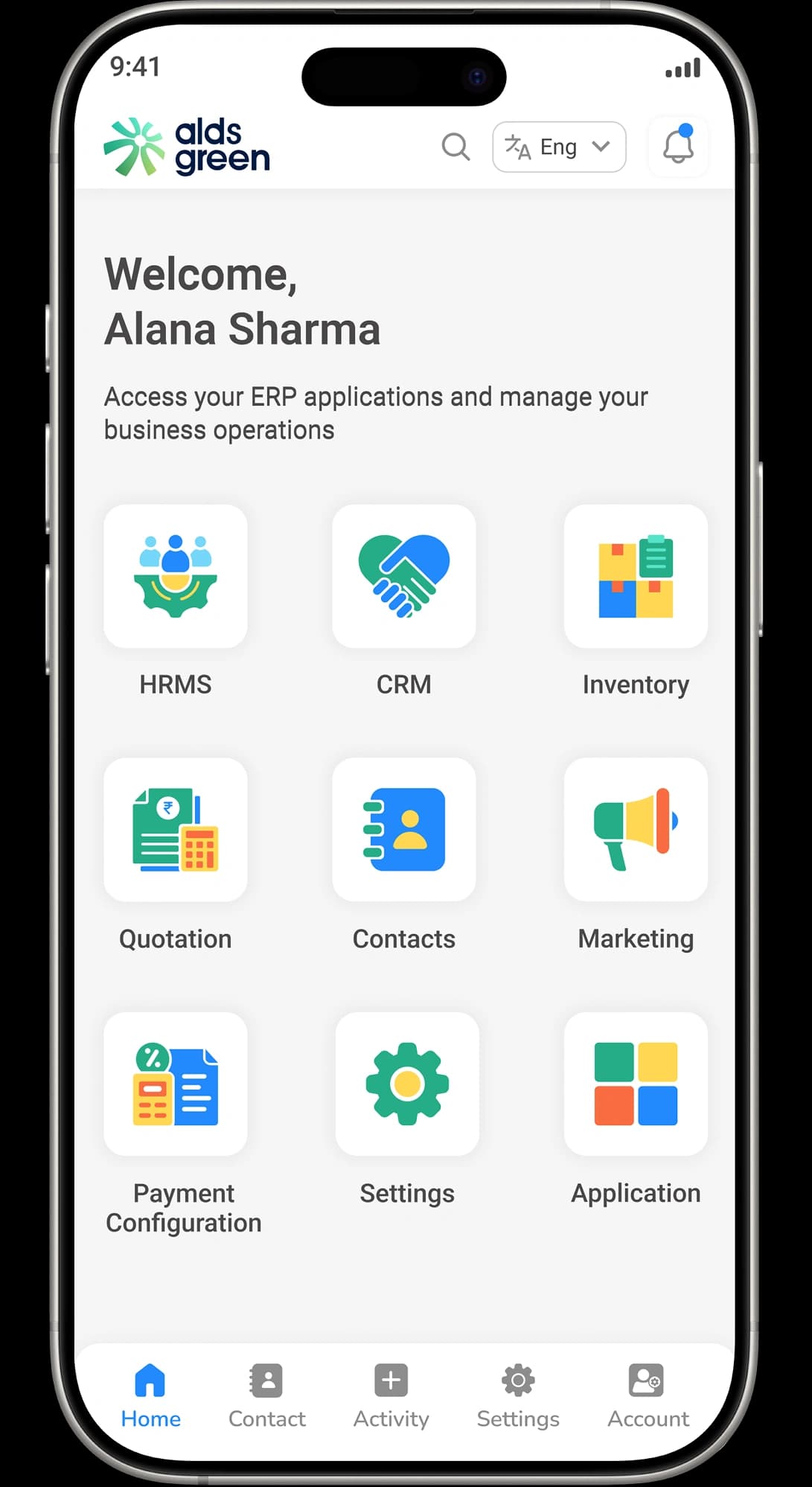
Simple Onboarding, Fast Setup

HRMS Module Terminologies Explained
Employee Master
Attendance Log
Leave Balance
Payroll Input
Reporting Manager
Department Hierarchy
Overtime
Access Control
Self-Service Portal
Workforce Analytics
Shift Management
Payroll Cycle
Resources

Guide: How to Add a New Lead
Learn how to quickly create a new lead in ALDS Green CRM and capture details efficiently.

Anjali Meena
Alds green CRM Developer

Guide: Managing Lead Status
See how to update and manage lead statuses to track progress from inquiry to closure.
Anjali Meena
Alds green CRM Developer
Guide: Assigning Leads to Sales Team
Discover how to assign leads to specific sales representatives for better performance.
Anjali Meena
Alds green CRM Developer
Frequently Asked Questions


Transform the Way You Manage Your Business
Manage leads, sales, inventory, and projects — all in one place.