
ALDS Green Inventory Module helps renewable energy businesses manage products, materials, all in one centralized system.





INVENTORY Module

What is Inventory Management?
Inventory management is the process of tracking, controlling, and managing all products and materials used in your business from purchase to storage to usage.
In renewable energy businesses, inventory is not simple:
- Materials are expensive
- Projects run across multiple sites
- Small mistakes cause big delays
Without proper inventory management:
- Materials go missing
- Projects get delayed
- Decision-making becomes inaccurate
- Costs increase silently
ALDS Green Inventory Module solves these problems by giving you full control and visibility over your inventory in real time.
ALDS Green Inventory Module
The ALDS Green Inventory Module is built specifically for renewable energy operations, not generic retail inventory
ALDS Green Inventory Module Features
Everything you need to track, control, and scale your inventory—without complexity.

1. Industry-Driven Master Catalogue Automation
No need to manually create hundreds of products.
ALDS Green automatically:
- Creates product categories based on industry standards
- Generates attributes like capacity, model, type, rating
- Structures your catalog in a clean and organized way
Result:
Faster setup and standardized product data.
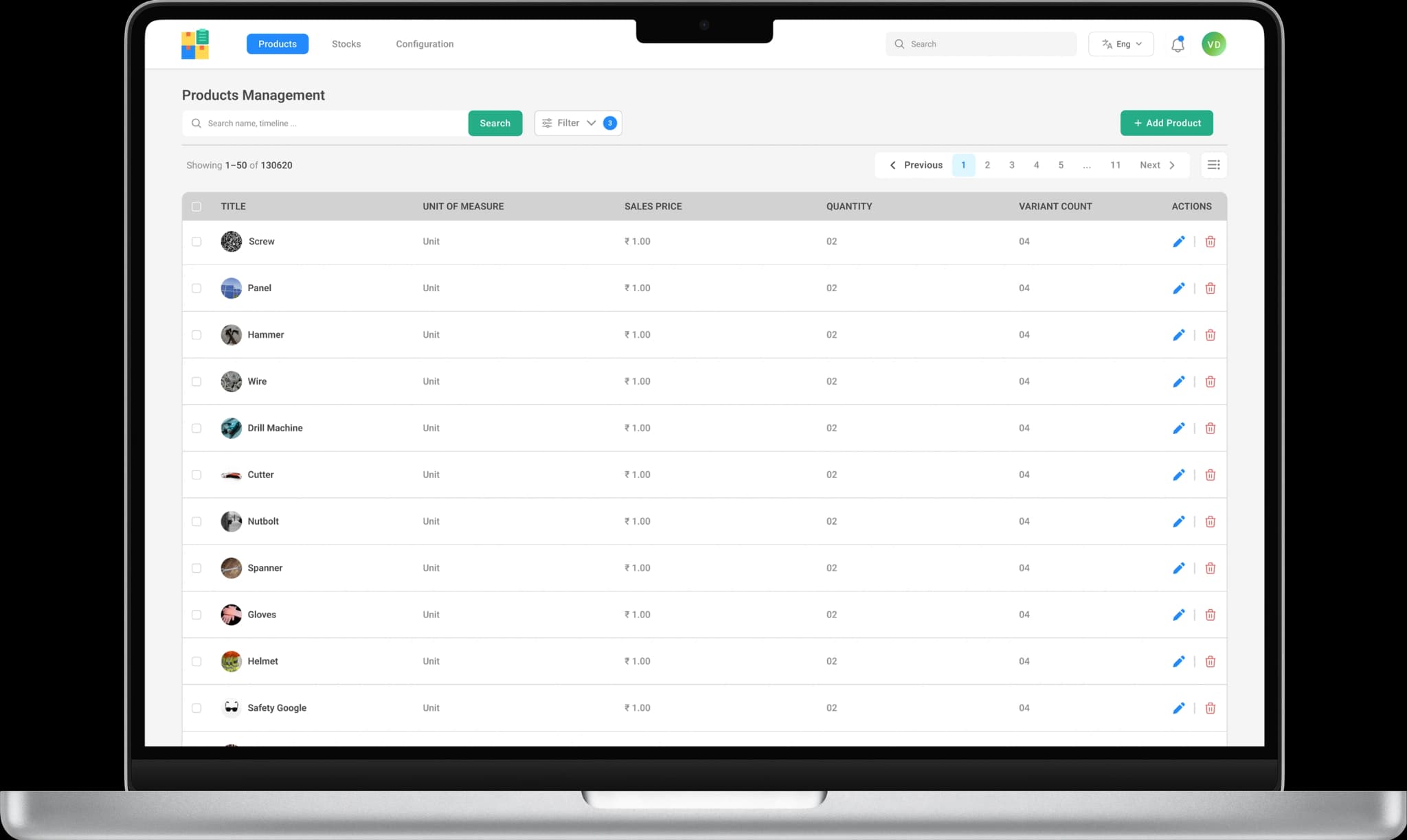
Master Data Configuration
Easily configure and manage:
- Product categories
- Units of measurement (Nos, meters, kW, sets)
- Product attributes
- Products
Everything stays consistent across sales, projects, and inventory.
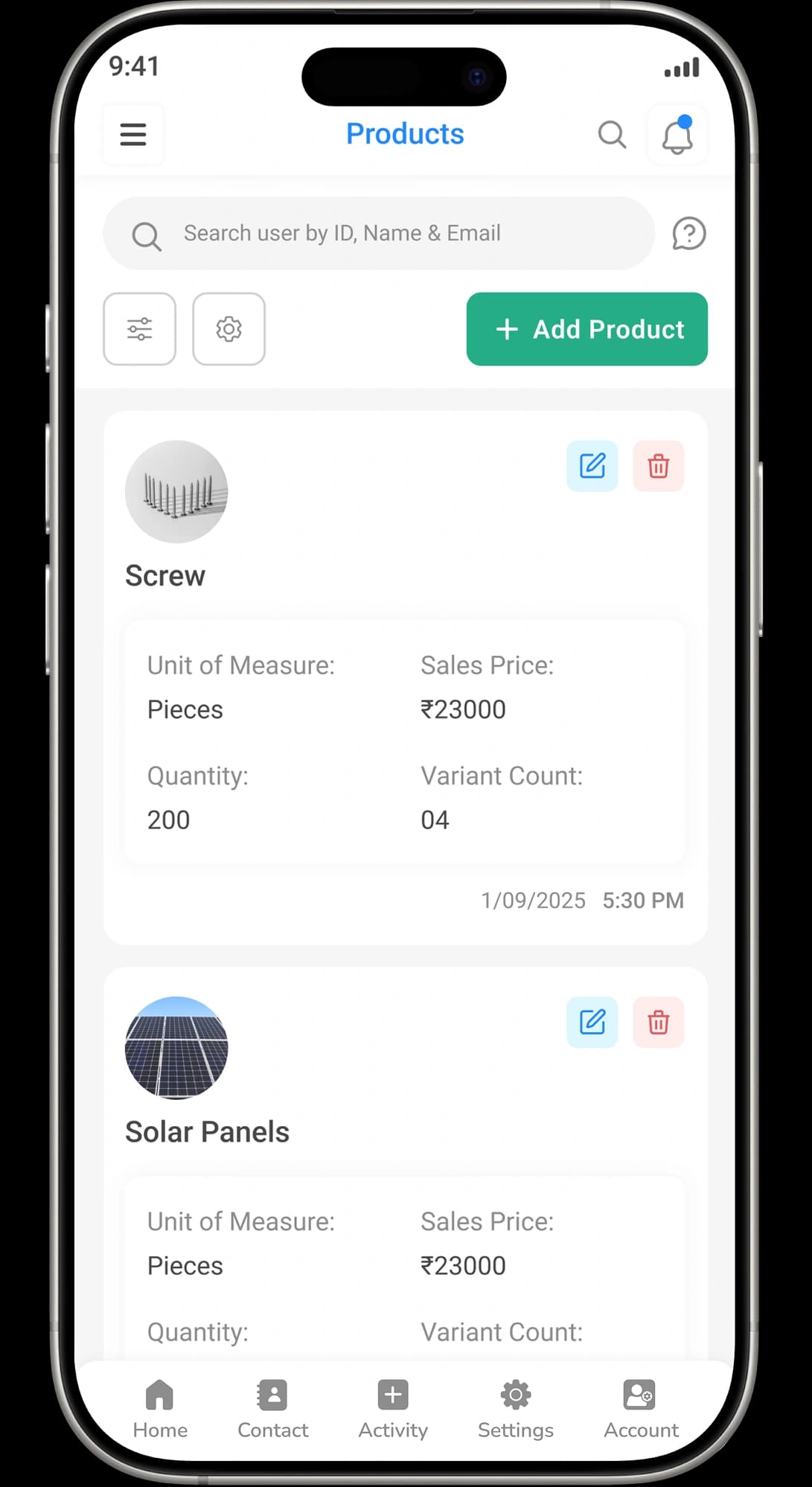
Manage all products and services in one system:
- Solar panels
- Inverters
- Cables
- Mounting structures
- Accessories
- Spare parts
No more scattered spreadsheets or multiple tools.
Scalable Inventory System
If Whether you manage:
- 50 products or 500000 products
- Small teams or enterprise operations
- Custom variants & attributes creation
ALDS Green scales with your business.
2. Product Variants & Attributes Management
Create multiple versions of the same product
- Size
- Capacity
- Model
- Color
- Rating
Each variant is tracked separately to avoid confusion.
Lots & Serial Number Tracking
Track inventory:
- Individually using serial numbers
- By quantity with real-time stock counts
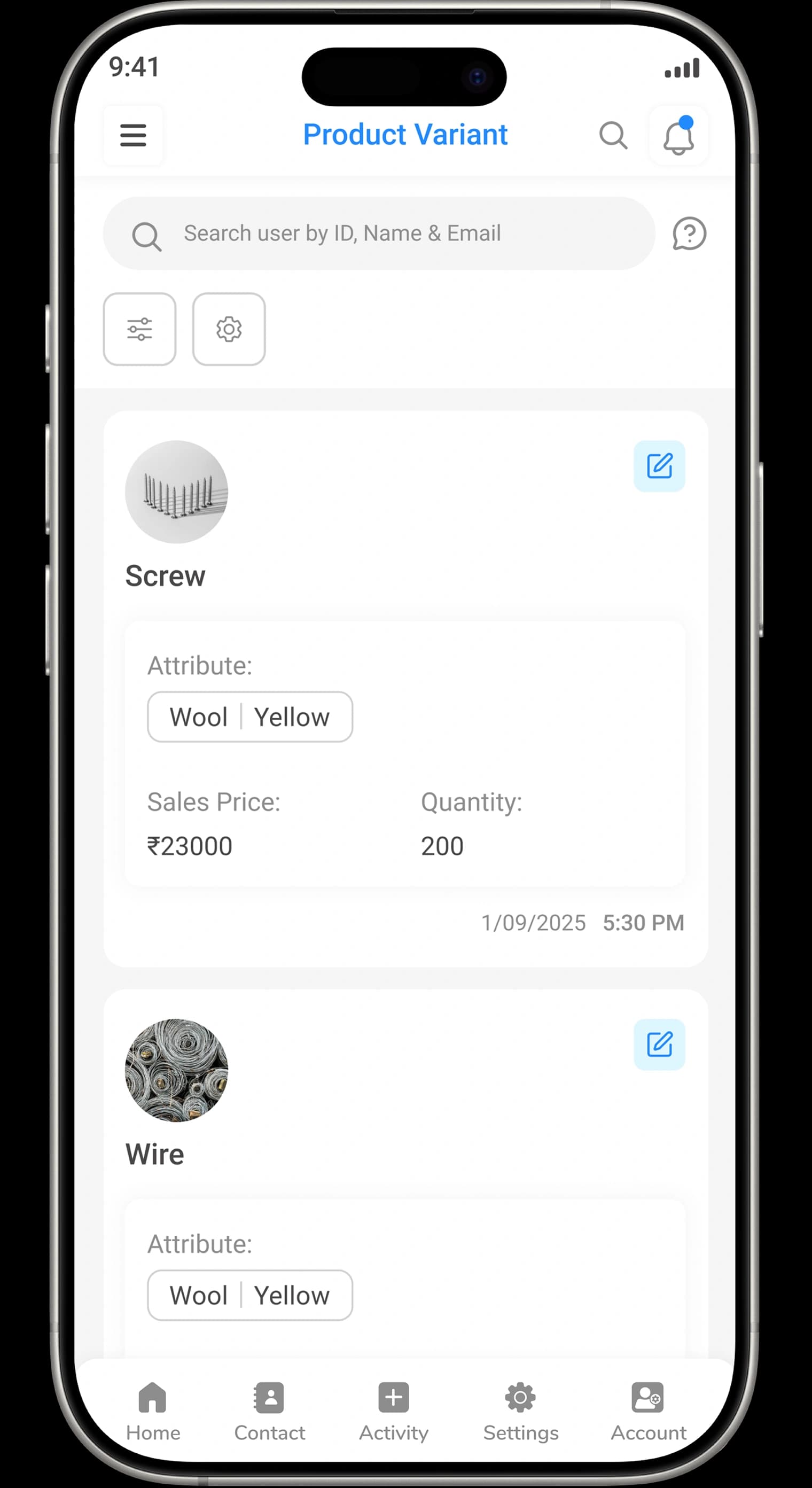
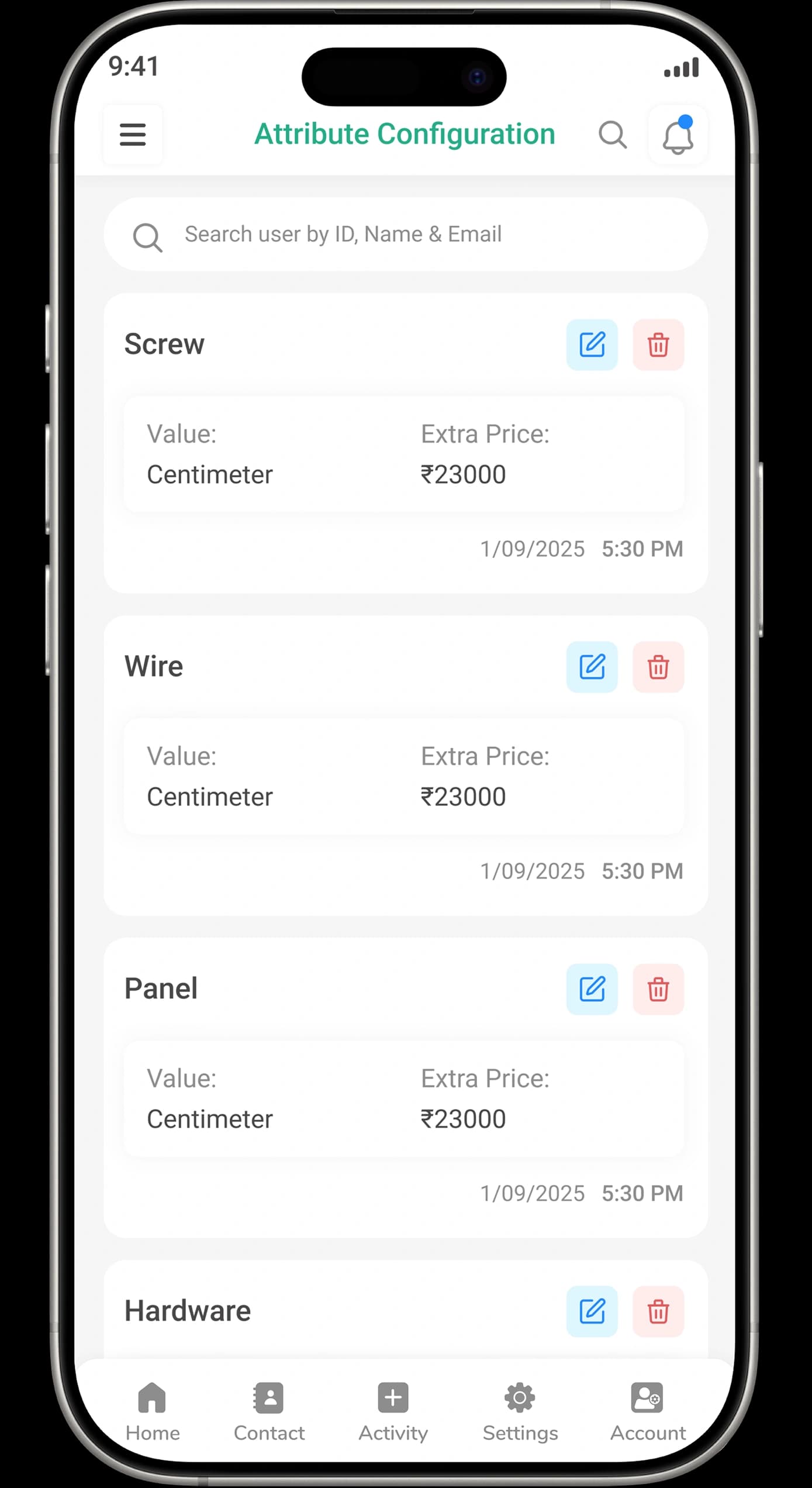
Variant-Wise Stock Tracking
- Know exactly:
- Available stock
- Reserved stock
For each product variant, in real time.
Variant Consistency Control
Ensure every product variant follows a standardized structure across categories, preventing duplication and mismatches.
3. Inventory Adjustment Control, Stock History & Automated Stock Alerts
Automated Low Stock Alerts
Get automatic alerts when:
- Stock reaches minimum levels
- Reordering is required
This helps you:
- Avoid project delays
- Plan procurement better
- Reduce emergency purchases
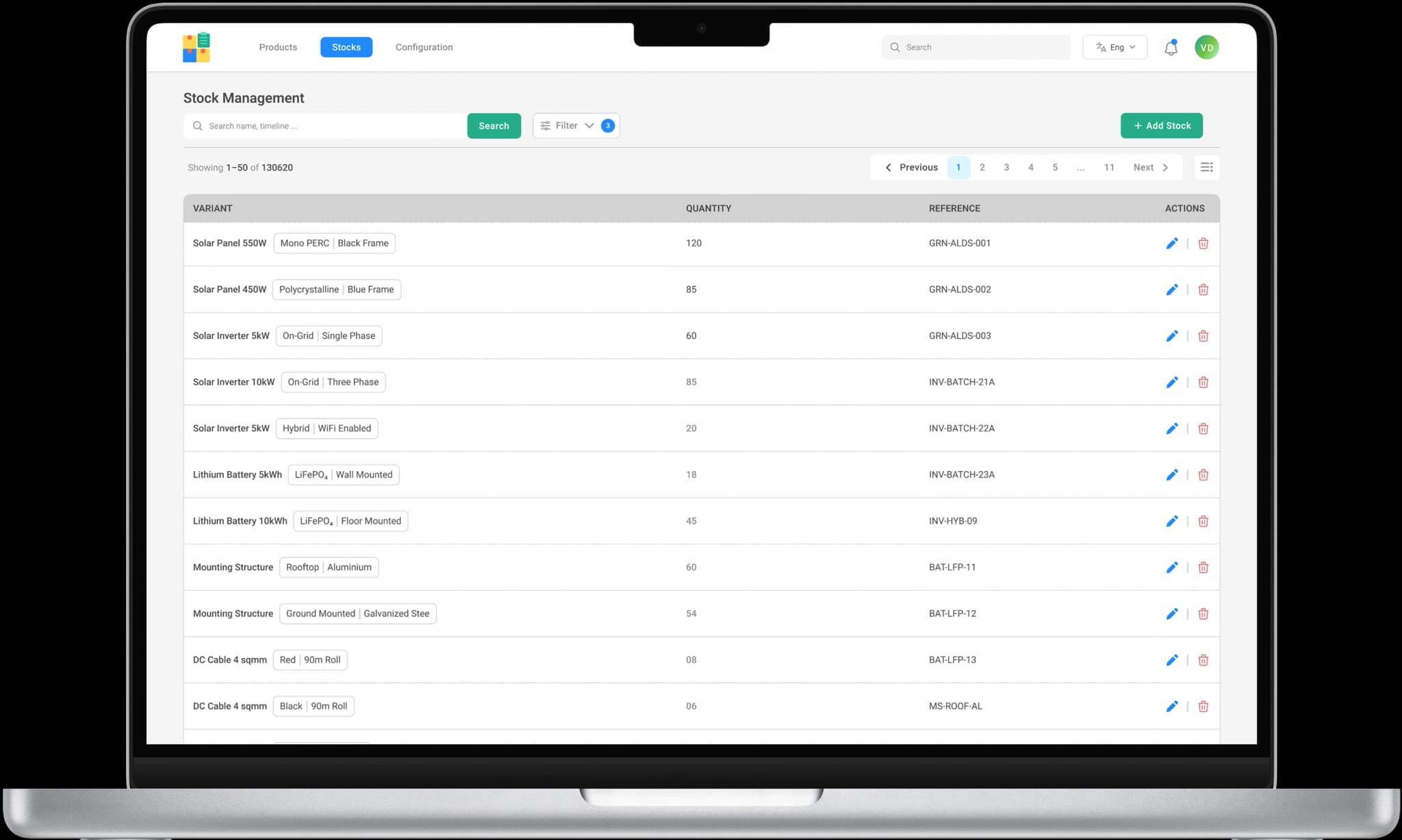
Stock Movement History
View complete stock movement records:
- Stock quantity updates
Each movement includes:
- Date & time
- Product variant
- Reference
- Lot number
- Quantity
- From location
- To location
- Movement source (system or manual update)
4. Inventory Adjustment Control
ALDS Green allows:
Manual stock adjustments:
- Controlled access for stock updates
- Automatic quantity recalculation
Ensures:
- Accurate inventory levels
- Clear visibility of stock changes
- Operational consistency
- Nothing gets changed without traceability
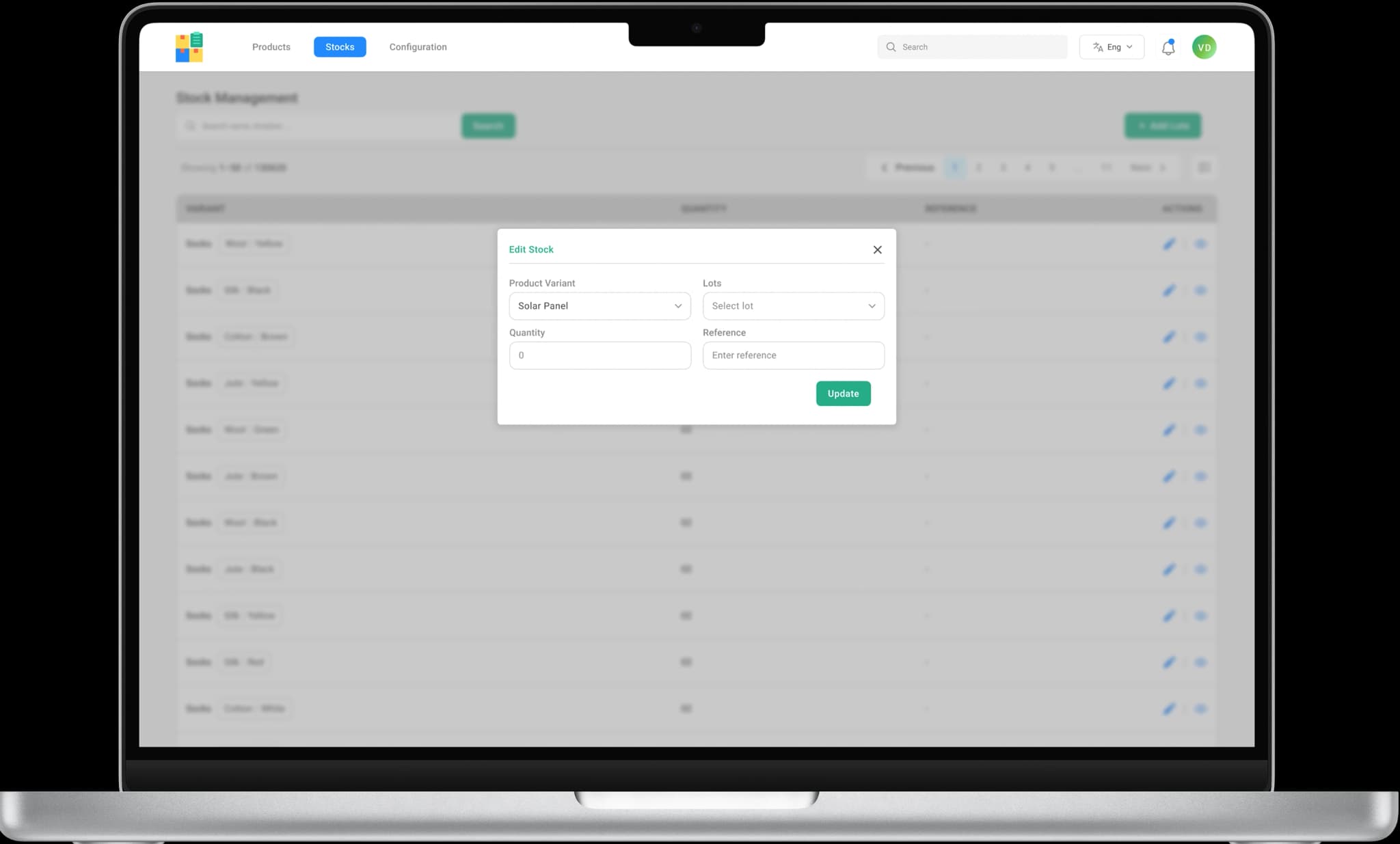
Controlled Manual Corrections
Make controlled stock corrections without disrupting ongoing operations or inventory accuracy.
User-Level Adjustment Tracking
Track who adjusted inventory, when it was adjusted. Ensuring team accountability at every step.
5. Accurate Inventory Valuation, Reports & Analytics
Always know:
- Total inventory value
- Item-wise valuation
- Project-wise material cost
This Improves:
- Financial planning
- Cost control
- Decision-making
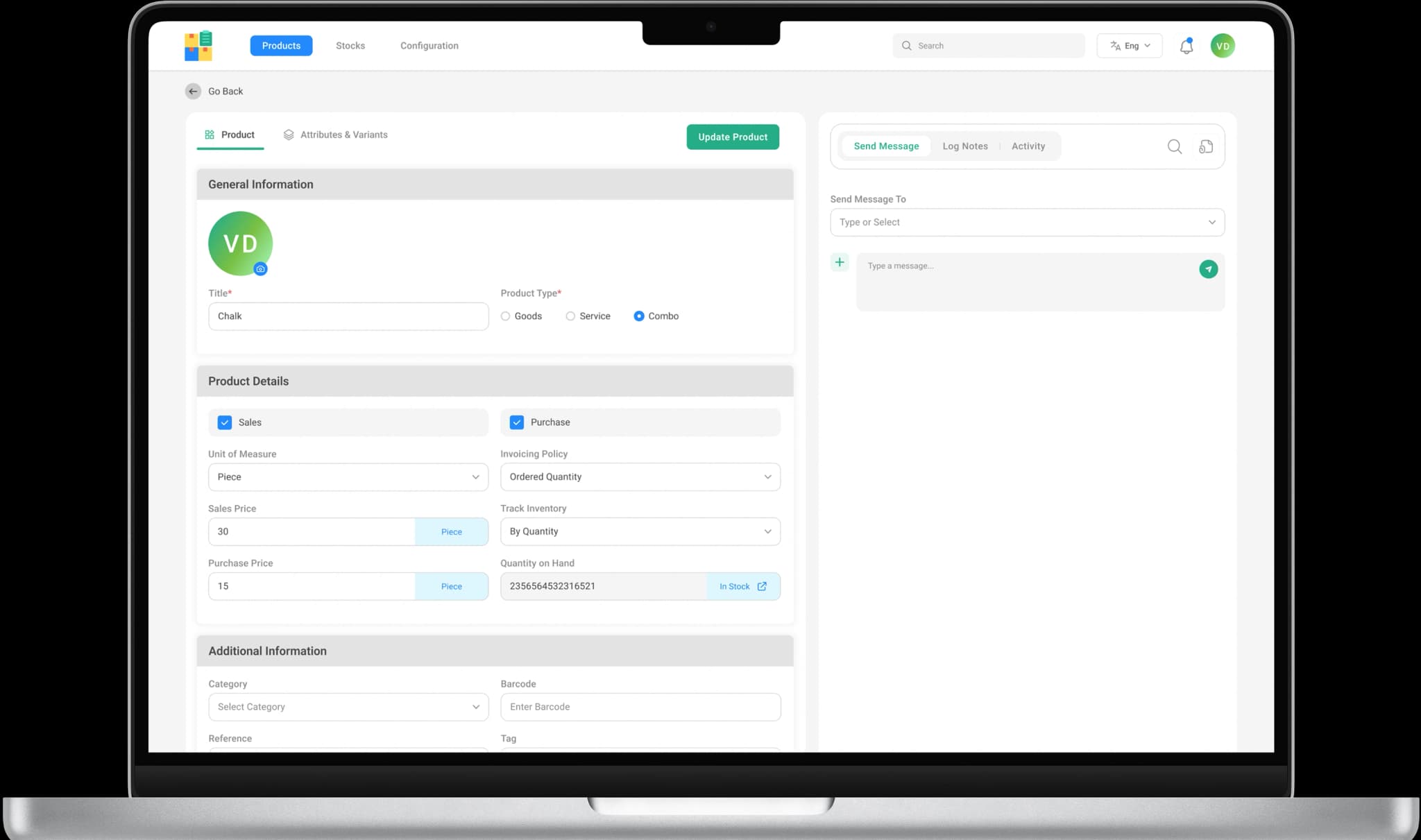
Access clear & actionable reports
- Current stock levels
- Fast-moving and slow-moving items
- Aging inventory
- Stock usage trends
Make data-driven inventory decisions.

How ALDS Green InventoryModule Can Help YourBusiness?

Prevent stock shortages and project delays
Reduce inventory wastage and losses
Improve coordination between teams
Maintain better cost control
Increase operational efficiency
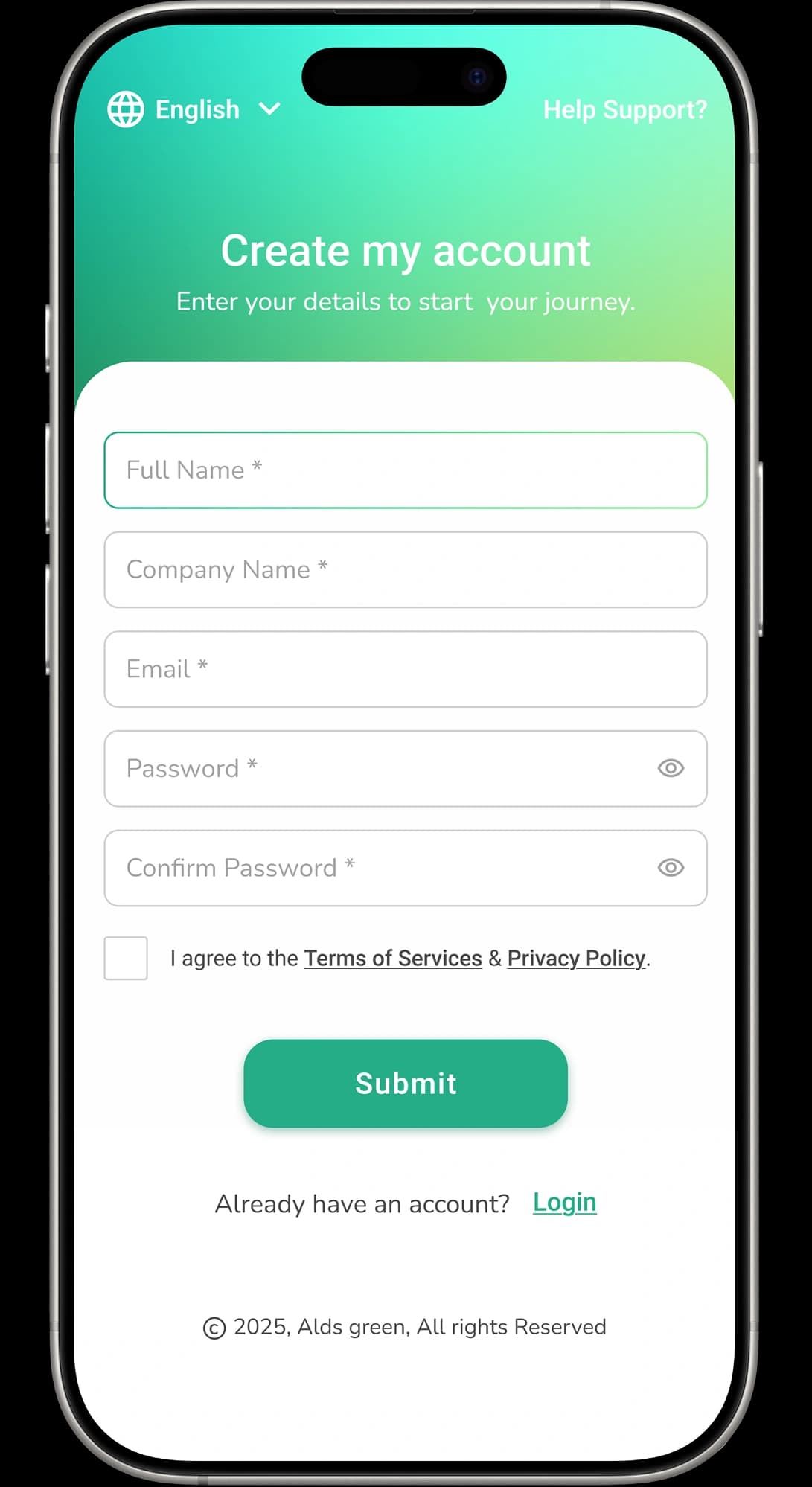
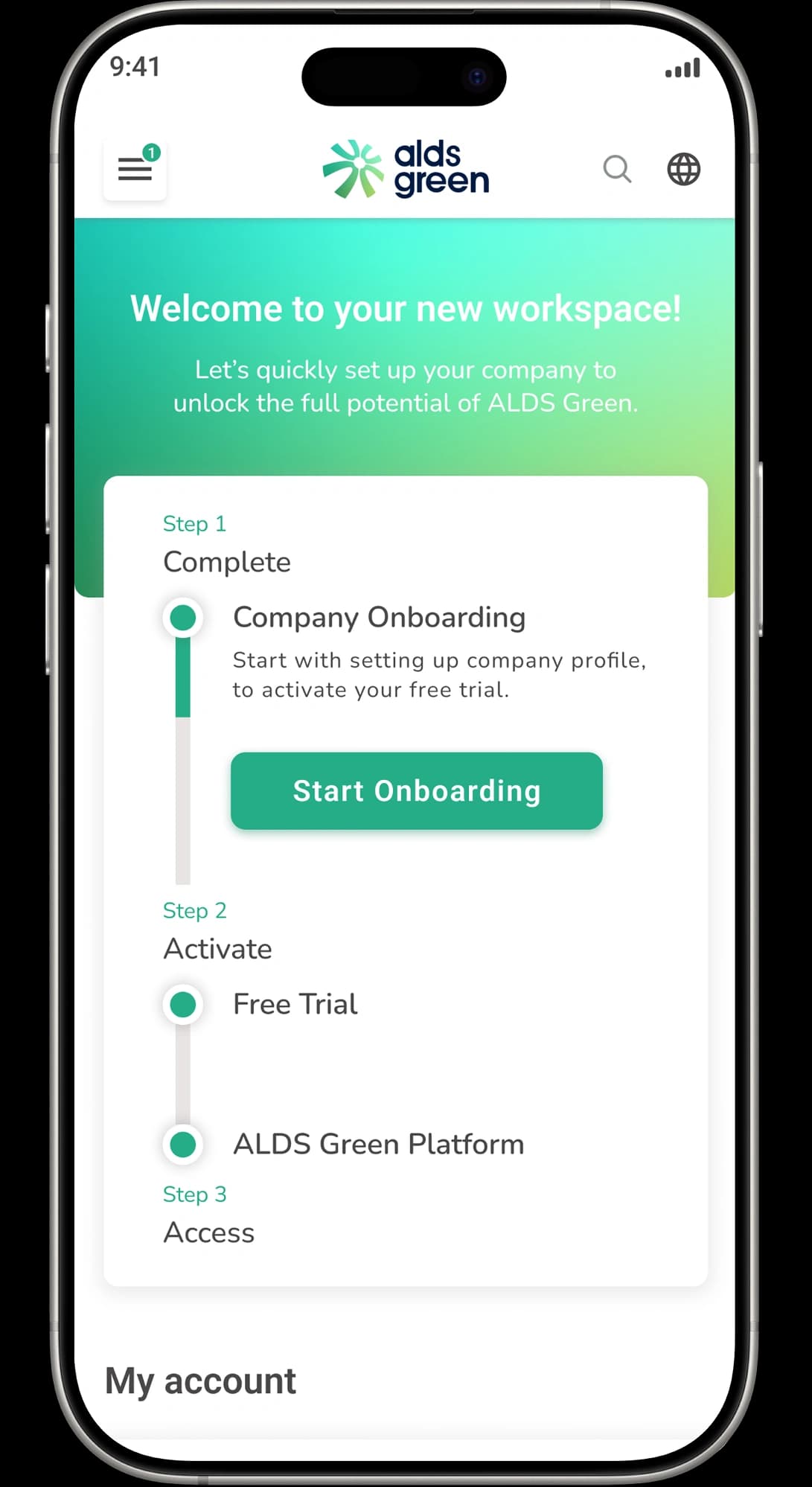
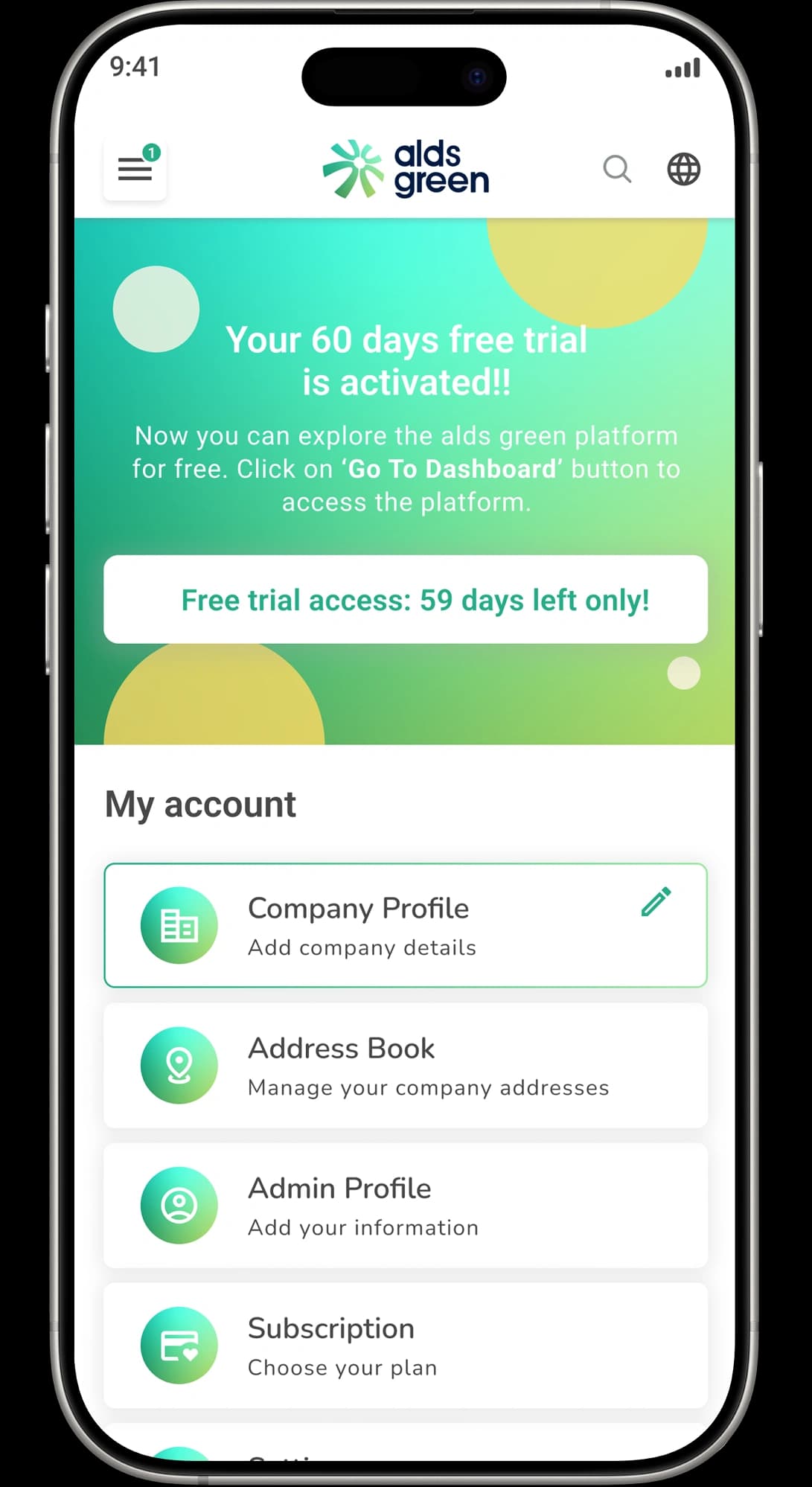
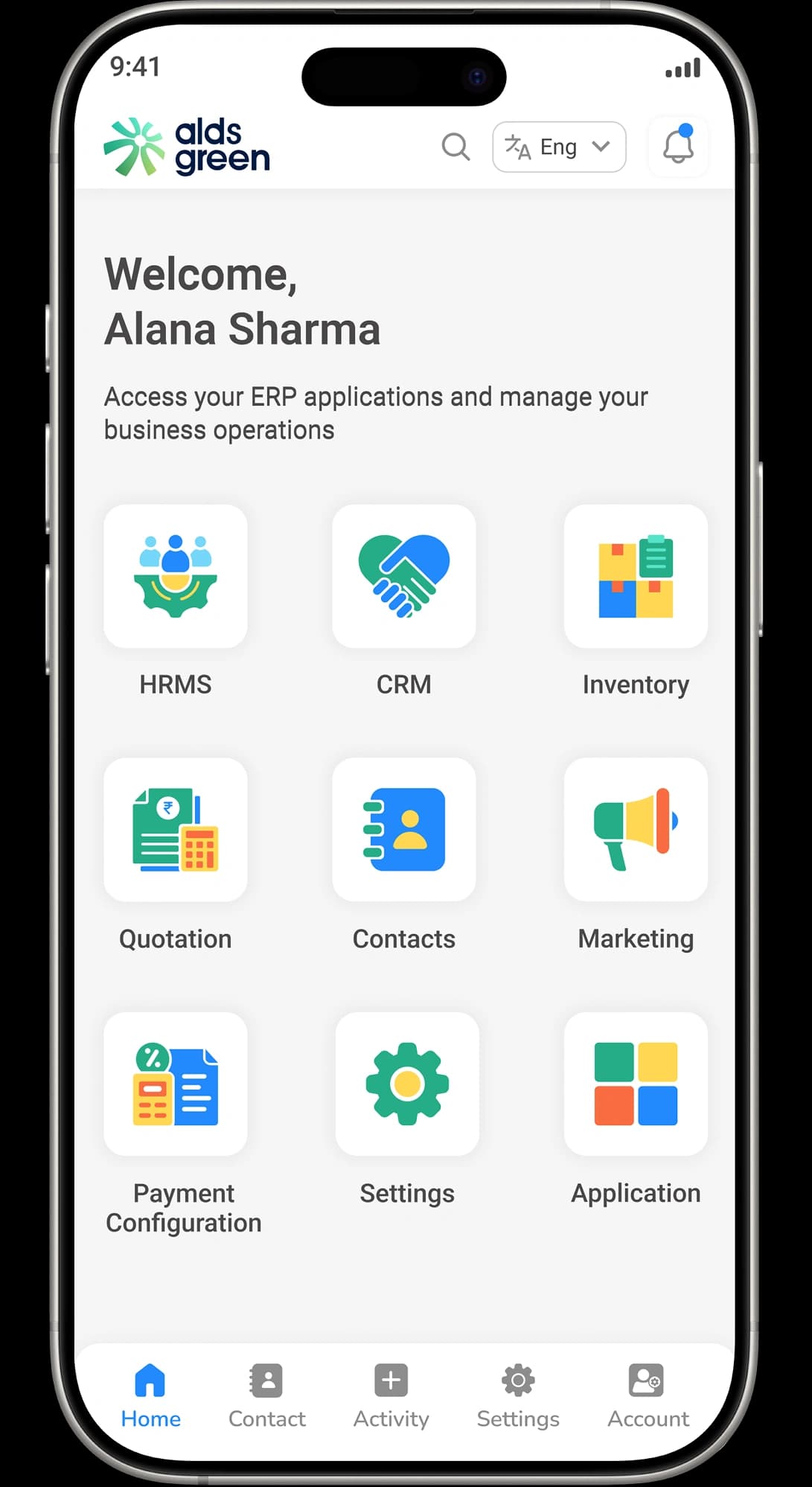
Getting Started with ALDS Green Inventory Module
Simple Onboarding, Fast Setup

Inventory Module Terminologies Explained
Inventory
Product
Product Variant
SKU (Stock Keeping Unit)
Master Catalogue
Unit of Measure (UOM)
Available Stock
Reserved Stock
Low Stock Alert
Lot Tracking
Quantity-Based Tracking
Stock Aging
Resources


Guide: How to Add a New Lead
Learn how to quickly create a new lead in ALDS Green CRM and capture details efficiently.

Anjali Meena
Alds green CRM Developer

Guide: Managing Lead Status
See how to update and manage lead statuses to track progress from inquiry to closure.
Anjali Meena
Alds green CRM Developer

Guide: Assigning Leads to Sales Team
Discover how to assign leads to specific sales representatives for better performance.
Anjali Meena
Alds green CRM Developer
Frequently Asked Questions


Transform the Way You Manage Your Business
Manage leads, sales, inventory, and projects — all in one place.